🧭 Overview
Organizations may need to export, retain, or delete user data to meet internal policies or compliance requirements. InterScribe provides tools and guidelines to help manage this data responsibly. This article outlines where to find these controls and your responsibilities under InterScribe’s Terms of Service.
📤 Exporting Data
InterScribe offers several ways to export data:
-
Download session content After a session ends, organizers can download transcripts and translations in formats such as Word, PDF, Markdown, Plain Text, and SRT (depending on your plan). This allows for archiving, compliance reviews, or further analysis.
-
Export user notes and highlights Users can manually copy or export their personal notes and highlights from their InterScribe account. There is no bulk export feature for all attendee notes at this time.
-
Request full export from support If your organization needs a full data export (e.g., for an internal audit or employee departure), contact InterScribe Support with written authorization.
🗂️ Retaining Data
InterScribe retains personal data only as long as required for legal, operational, or contractual obligations. While retention settings are not user-configurable, you can manage your exposure by:
-
Deleting unneeded sessions Remove sessions that no longer need to be stored to reduce data footprint and exposure.
-
Limiting access Only Admins and Billing Admins should have access to sensitive historical data like invoices, transcripts, and session logs.
-
Anonymizing content before sharing If transcripts are shared outside your organization, consider redacting names and personally identifiable information.
🗑️ Deleting Data
Users and organizers have options for deleting stored data:
-
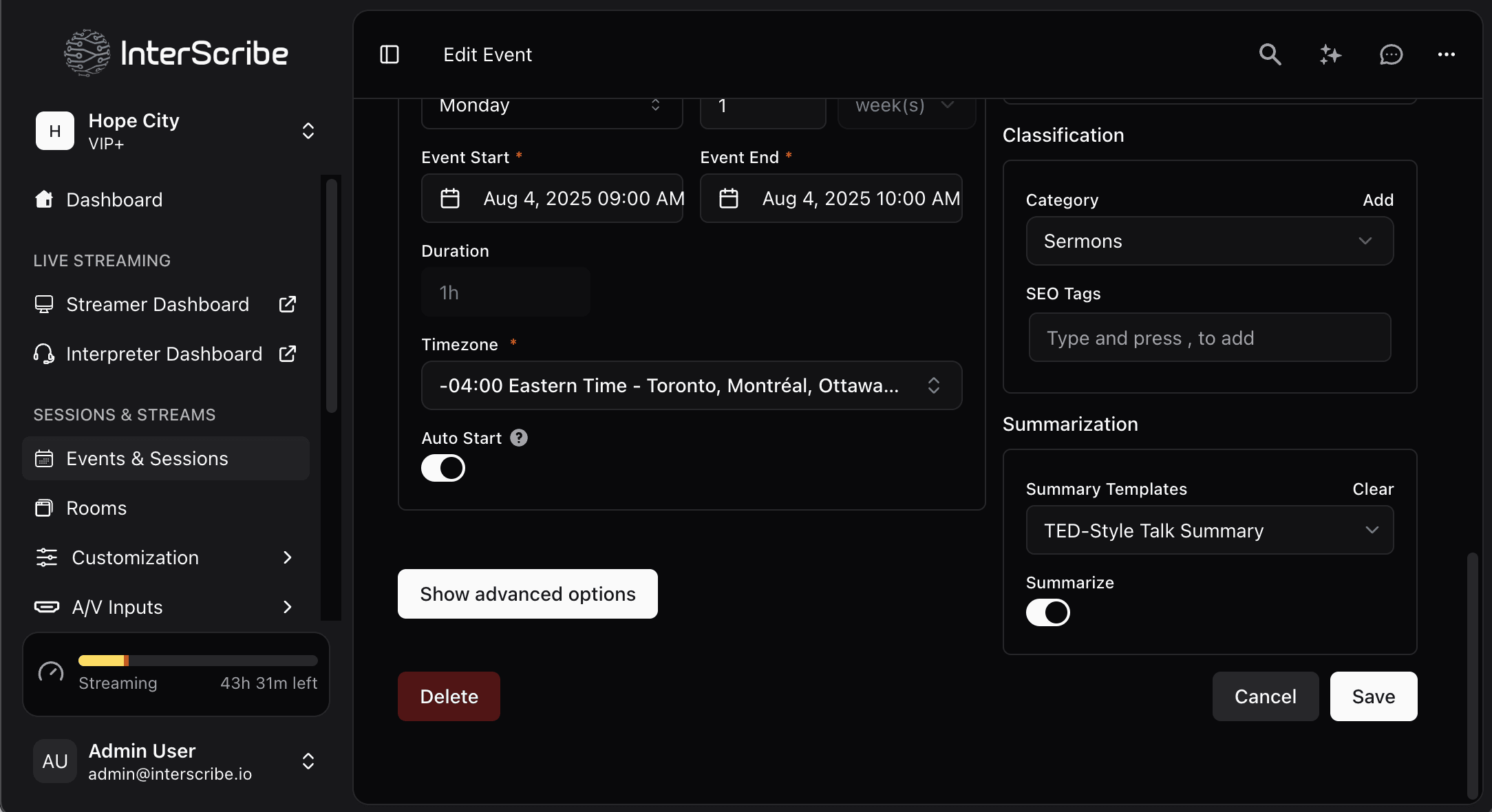
Delete sessions You can delete sessions from the InterScribe dashboard. This permanently removes associated transcripts, translations, and audio files from your dashboard — though listener notes remain with the user unless they delete their own account.
-
Remove user accounts Users may delete their account via their profile settings. This will delete all personal data including notes, highlights, and saved sessions. Admins should only delete accounts when required by policy or law.
-
Opt out of AI training If your organization prefers not to have anonymized data used to improve InterScribe’s AI models, contact Support to opt out.
✅ Best Practices
-
Establish internal workflows Create an internal process for managing when and how session data should be deleted.
-
Educate your team Let moderators, interpreters, and attendees know how long session data will be retained and how to request its removal.
-
Handle exports securely Always encrypt or securely delete files once they’re no longer needed — especially if downloaded for backup or review.
💬 Frequently Asked Questions
| Question | Answer |
|---|---|
| Can I control how long data is retained? | No. Retention is governed by InterScribe’s internal policies, and there is no per-client retention setting. You can, however, manually delete sessions at any time. |
| How do I export all my data? | Transcripts must be downloaded per session. Users must copy their own notes manually. For full exports, contact Support. |
| What happens when someone deletes their account? | All personal data (notes, highlights, settings) is removed. Session transcripts remain unless deleted by the organizer. |
| Who is responsible for legal compliance? | You are. InterScribe acts as a data processor on your behalf. Clients must ensure their recording and storage practices comply with local regulations. |
🖼️ Visual Aids
📸 Session Deletion Confirmation Prompt