
Names, places and phrases you use every week are the words captions most often get wrong. A vocabulary teaches them, and the event type tells the engine what kind of event it is.
Glossary and context · DisponibleCreate a vocabulary
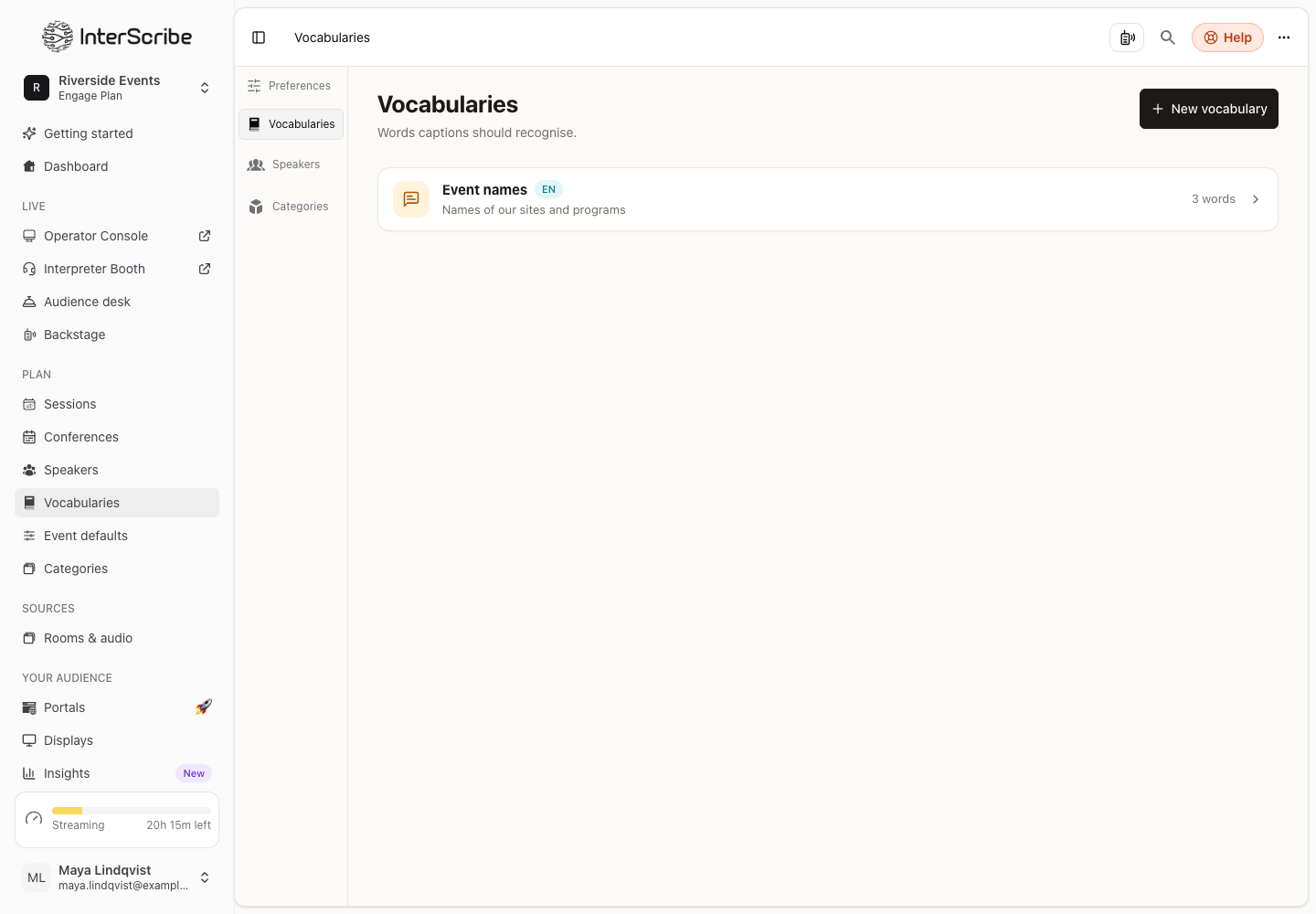
- STEP 1Open VocabulariesGo to Vocabularies in the sidebar and select New vocabulary.
- STEP 2Name itGive it a Name and choose the Language: the spoken language it applies to. Add a Description if you like.
- STEP 3Create itSelect Create vocabulary.
- STEP 4Add the termsOpen the vocabulary and add terms under the three rules below.
The three rules
- Boost Keywords: terms the speech engine should listen for, such as names, places and product words. Give each a Boost Level; higher levels weigh more.
- Replace Keywords: whenever the engine hears the first form, captions show the second form instead.
- Block Keywords: terms that never appear in captions or translations.
Each vocabulary has a limit on how many terms it holds. The page shows how many you have used.
Use it in a session
In the session form, under Captions & translation, choose the Vocabulary. Its words are recognised from the first minute. You can also create a vocabulary there: type its name and press Enter, then add its terms on the Vocabularies page.
To use one vocabulary in every new session, choose it in Event defaults.
Tell the engine what kind of event it is
Under Captions & translation, choose the Event type. It tells the engine what kind of event it is, so captions and translations use the right words. Event types are grouped as Faith, Learning, Business, Media, Care & public life and Everyday.
AI captions and translations · Languages · Sessions and recurring sessions