
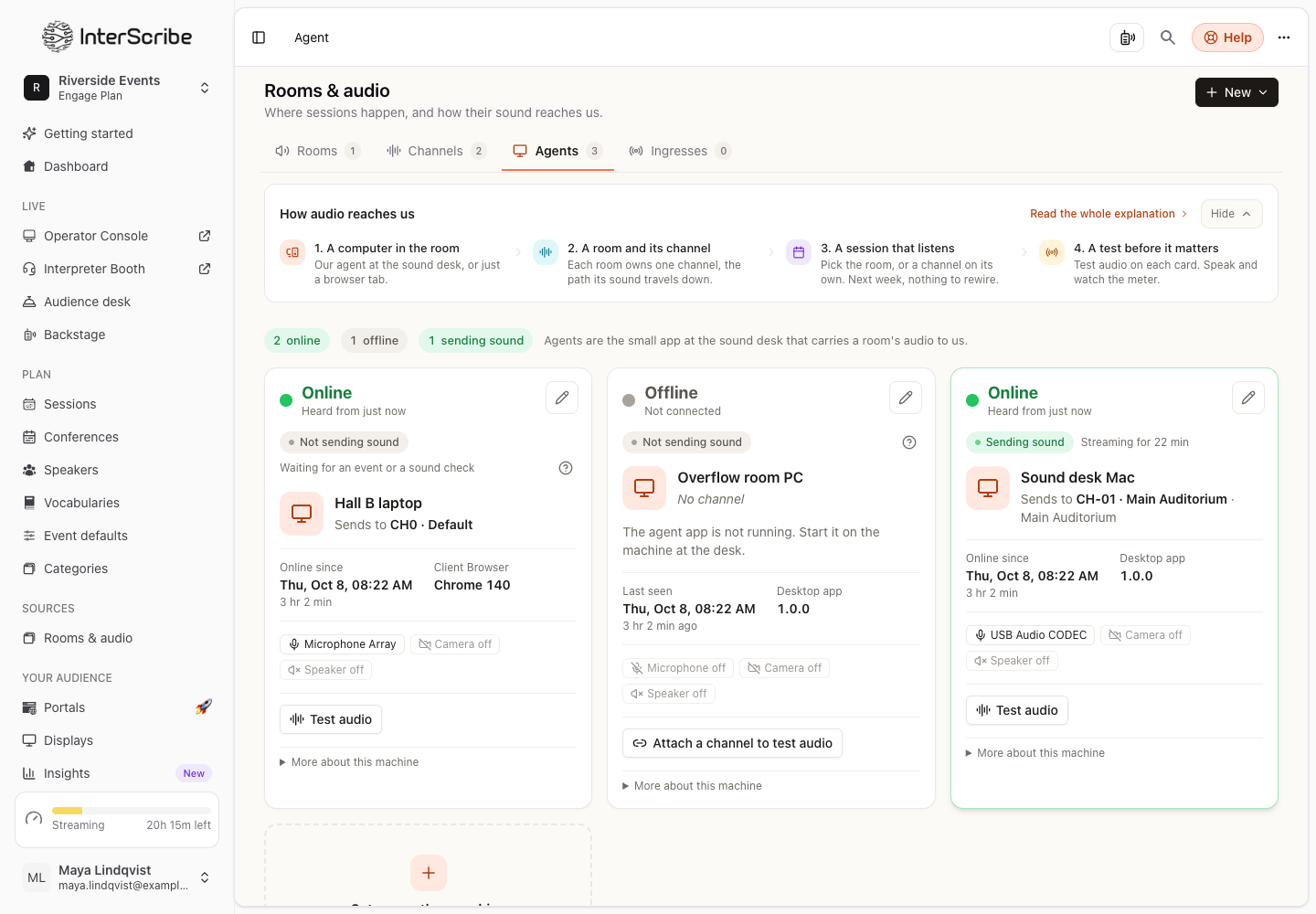
On the Agents tab, an agent shows Offline: the agent app is not running.
Most likely: the computer went to sleep
Check: the screen is off, or the laptop lid is closed.
Fix: wake the computer. In the desktop agent's General settings, set Keep this computer awake to While broadcasting (recommended), or to Always while signed in on a dedicated event computer. Closing a laptop lid still puts it to sleep, so keep it open.
Next: the agent app was closed
Check: the InterScribe icon is missing from the menu bar or the system tray.
Fix: open the InterScribe Agent again. To start it with the computer, turn on Launch at login in its General settings.
Next: the device was signed out
Check: the agent shows Key no longer valid on the Agents tab, or the desktop agent says the device was signed out, removed from your workspace or switched off.
Fix: sign the agent in again. In the desktop agent, select Sign in again (or Sign in with browser) and use your InterScribe account. A command-line agent signs in
again with interscribe-agent login, with your account or a valid agent key. See Set up the desktop agent.
Not a fault: Never connected
Never connected means the agent has never checked in. Install the agent and sign in. See Read the Agents page.
Still not working
On the computer at the desk, open the agent's Help & Support tab and send a report. It shows a support code or device ID for this computer that you can copy and share with support.
Read the Agents page · Set up the desktop agent · Run the command-line agent