
The Console still shows Off air, and the Source panel shows Standby.
Most likely: it is before the start time
Check: the Source panel shows OPENS with the start time.
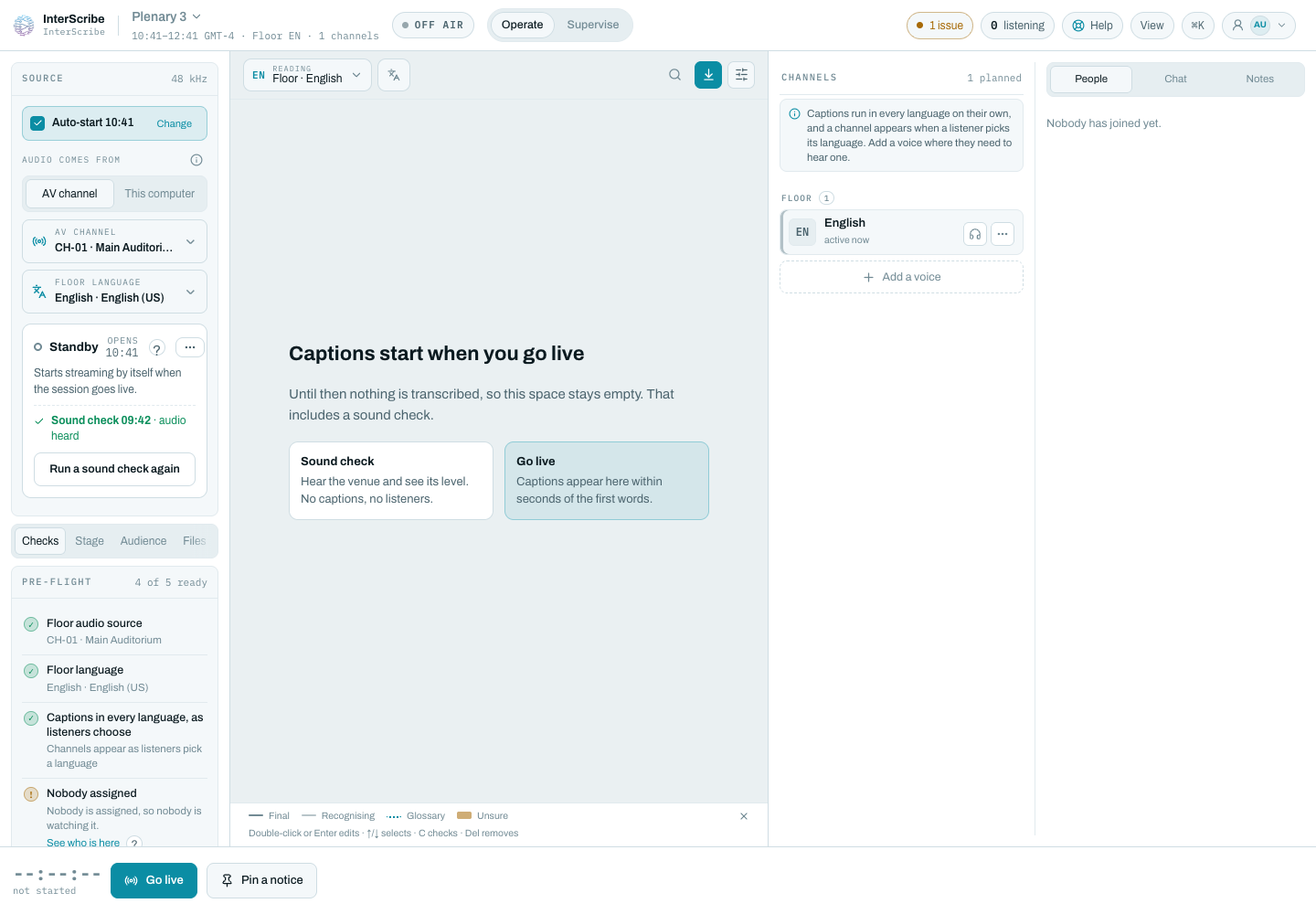
Fix: with auto-start, the session goes live by itself at that time. To start now, select Go live and confirm.
Next: the session needs someone to start it
Check: the Source panel says Someone has to start this session.
Fix: select Go live. To let it start by itself next time, select Let it start automatically. See Standby, sound check and auto-start.
Next: you started the audio early
Check: the panel shows Early audio. Viewers hear nothing yet: early audio lets you check the room before the session.
Fix: nothing to fix. When the session starts, its audio comes back on its own. If the session is late, early audio stops at the time the panel shows and the channel goes back to standby.
Still not working
If the start time has passed and Go live is greyed out, check the connection badge at the bottom right. While it shows Reconnecting…, starting waits for the link to come back. See The connection badge.