
We watch every live event. When one of your venues stops being heard, we tell the people you choose: once when it breaks, and once when it is fixed.
Add who we tell
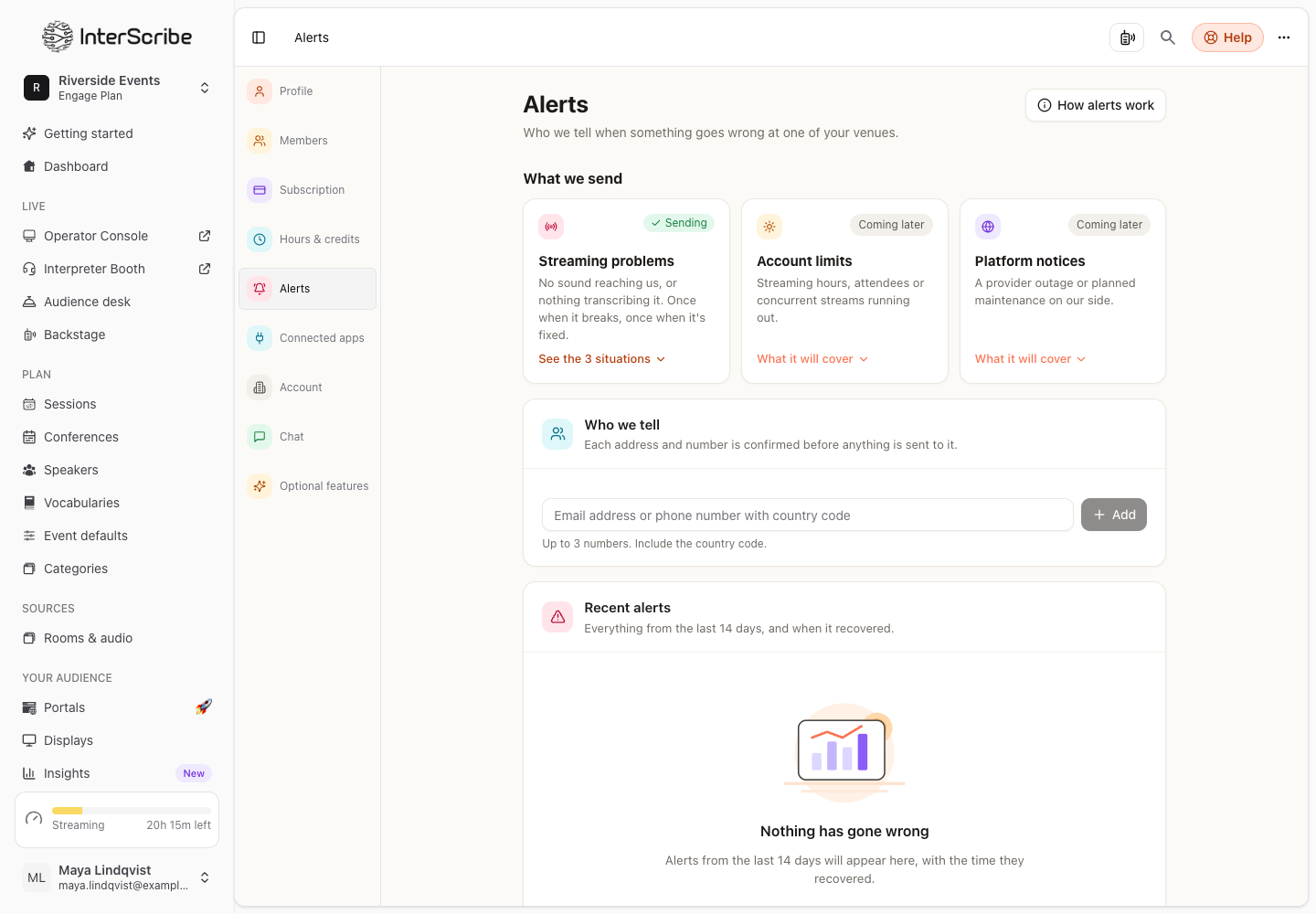
- STEP 1Open AlertsGo to Settings › Alerts, or Alerts in the sidebar.
- STEP 2Add an address or a number
Under Who we tell, enter an email address, or a phone number with its country code, like +15551234567. Select Add.
- STEP 3Confirm it
We send a six-digit code and nothing else until it comes back. Enter it under Verification code and select Verify. The code expires in 15 minutes.
- STEP 4Choose what each one gets
Under What we send, pick per recipient: Streaming problems, Account limits or Platform notices. A number that only wants streaming problems is not woken for a billing notice.
You can add as many email addresses as you like, and a limited number of phone numbers; the page shows how many.
What we send
- Streaming problems: nothing is streaming into a room that has a live event; a machine is connected but no sound arrives, usually a sound desk that is not routed to it; or sound arrives and nothing is transcribing it. We check every minute while an event is live.
- Account limits and Platform notices are not sent yet. The page marks them Coming later and lists what they will cover.
A problem is one alert and one all-clear, however long it runs.
Stop text messages
Anyone can reply STOP to any text, and that number hears nothing more, whatever the page says. Reply START to turn it back on. The recipient then shows Opted out.
Recent alerts
Recent alerts shows everything from the last 14 days, and when it recovered. Affects everyone marks a problem on our side, across every workspace.
The status page
Status page in the sidebar opens the public InterScribe status page: whether captions, translation, streaming and the workspace are working, what is happening now, upcoming maintenance and past incidents. A person on our team writes each notice. When an incident affects your listeners, the listener page shows it too.