
Everything you pay for is one subscription: a plan, plus any add-ons attached to it, such as AI voice channels. Stripe charges it and keeps your card; we never hold it.
Before you start
- A role that can see the subscription, such as Billing admin, Admin or Super user.
See your plan and usage
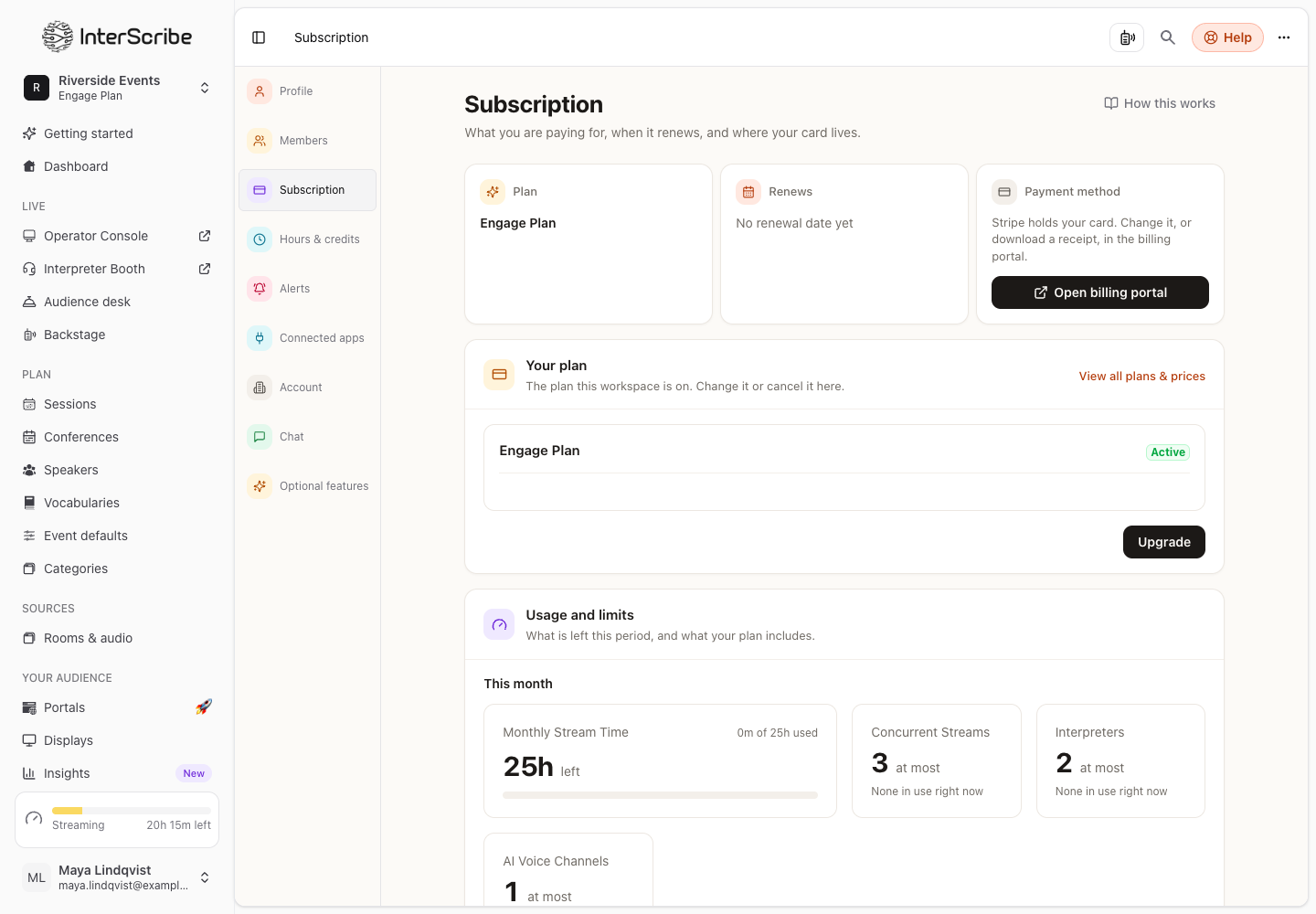
Go to Settings › Subscription.
- Plan and Renews show what you are on and when it renews.
- Usage and limits shows what is left this period and what your plan includes. Usage counts against the current billing period and starts again from zero when it renews.
- Your plan decides which features you can turn on. Where a feature is not in your plan, its switch is locked in the session's settings.
Change or cancel your plan
Under Your plan, change the plan or cancel it. View all plans & prices lists the plans. Changing an add-on changes the subscription there and then.
If your plan's price is going to change, the page says Your plan's price is changing, with the date it takes effect.
Your card, invoices and receipts
Under Payment method, select Open billing portal. That is where you change your card and download invoices and receipts.
Need more?
Need more hours, or more languages, than the plan includes? Upgrade the plan, or add a voice channel. Both land on the same subscription. AI voice hours are on Hours and credits.