
Volunteer or professional interpreters work from the InterScribe Interpreter Booth, in the room or from home. Listeners pick them like any other language. They don't use AI voice hours.
Human interpreters · DisponívelBefore you start
Your plan must include interpreters. If it does not, the field shows Not in your plan and Interpreter Booth is greyed out in the sidebar.
Add the interpreted languages
- STEP 1Open the sessionOpen the session form, or Event defaults for every new session.
- STEP 2Find the fieldUnder Interpretation, find Human interpreted languages.
- STEP 3Add languagesSelect Add an interpreted language and choose each language your interpreters cover.
- STEP 4SaveSave the session.
Invite your interpreters
- STEP 1Open MembersGo to Account Settings and open Members.
- STEP 2InviteSelect Invite people and give each interpreter the Interpreter role.
They get an email with a link and land straight in their booth. The Interpreter role sees the Booth only: no dashboard, events, billing or members.
Where interpreters work
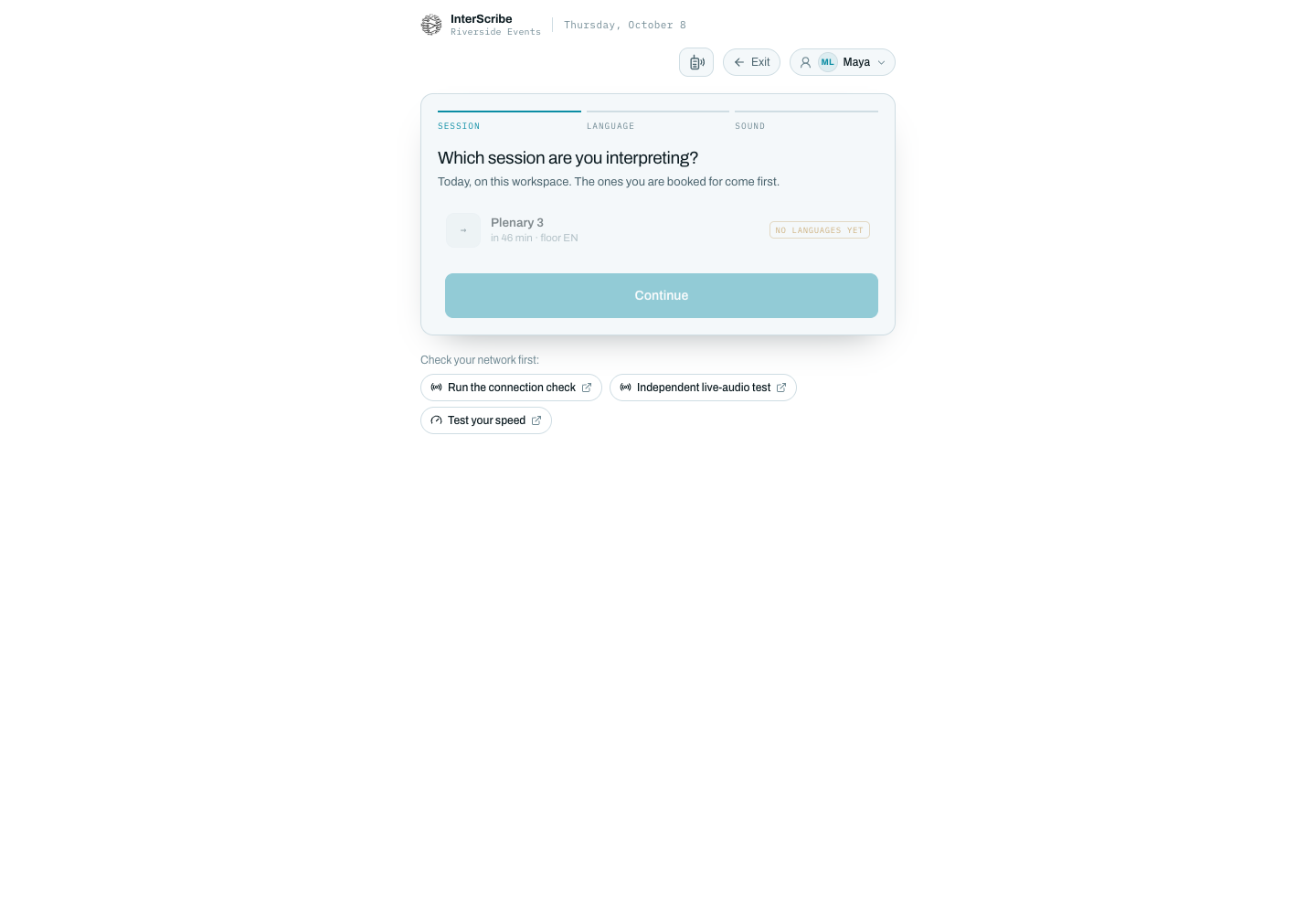
Interpreters work from the Interpreter Booth, in their browser. They pick their language channel there and interpret what they hear from the floor. See Interpret from the Booth.
How interpreters share a language
In the Booth, each interpreted language is a channel. One interpreter speaks on it at a time, and a channel is never taken from another interpreter. When interpreters change shifts, one transfers the interpretation stream to the next.
Check it worked
On the session's page, Ready to go live? lists the Interpreted languages.