
This page names the parts of InterScribe you will meet and shows how sound travels from your venue to your audience.
From the room to your audience
- STEP 1Your room
A room is where a session happens. Each room owns one AV channel, created with the room and named after it, for example CH-03 · Main Auditorium.
- STEP 2Something that sends the sound
A desk agent on a computer at the sound desk, or an encoder that sends a stream, carries the room's sound to its channel. A session can also take its sound from the browser on a computer instead; then no channel is used.
- STEP 3The session
A session points at that channel and takes its sound from there. The same channel serves every session in that room, so next week you only create the session again.
- STEP 4Captions, translations and voices
InterScribe recognizes the speaker's language and offers captions and text translation in every language. AI voices and your own interpreters add languages people can hear.
- STEP 5Your audience
People open the session's link, scan its QR code or type its code, then choose their own language.
The parts you plan with
- Sessions are single events or a repeating series. See Sessions and recurring sessions.
- Conferences group sessions across days and rooms, with one set of settings and one speaker list. See Events and conferences.
- Rooms & audio lists your rooms, their channels, and channels without a room. See Rooms and their AV channels.
- Speakers and Vocabularies are shared lists that sessions pick from. See Speakers and Glossary and context.
- Event defaults are where every new session starts. A conference copies them when you create it, and its sessions start from the conference's settings. See Inherited settings.
The parts you run the event with
- The Operator Console is where you go live, watch the sound and run the session. It opens in its own tab.
- The Interpreter Booth is where your own interpreters work. A member with the Interpreter role sees only the Booth.
- Your portals are the pages where your audience finds your events.
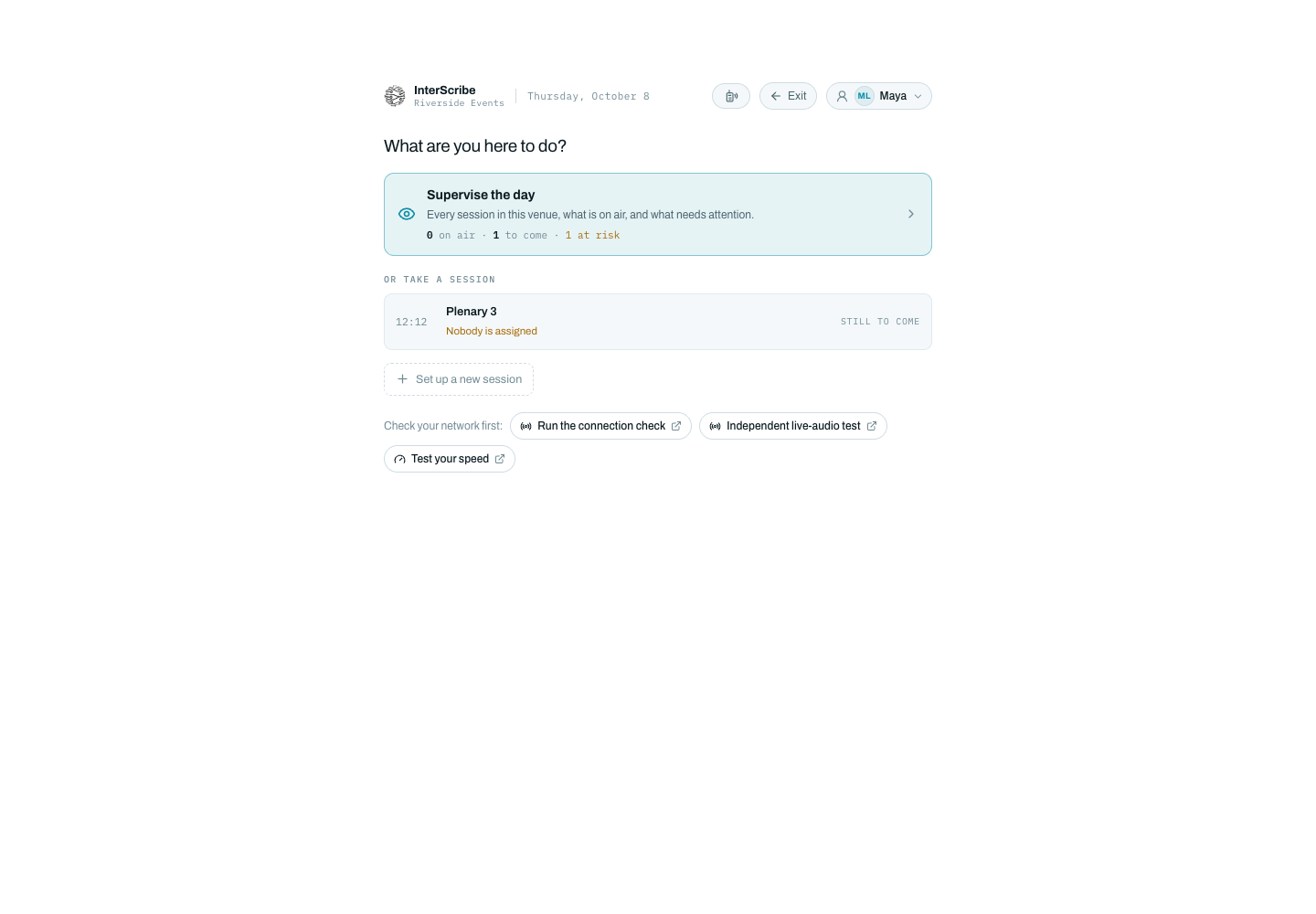
Who uses which part
- Members with the Organizer role plan and run events end to end: Sessions, Conferences, Rooms & audio and Event defaults.
- Whoever runs the session on the day works in the Operator Console. The Moderator role runs events and live sessions day to day.
- Members with the Interpreter role work from the Interpreter Booth, and see only the Booth.
- Your AV team looks after the agent at the sound desk and Rooms & audio.
- Your audience listens and reads on a phone or laptop, on the web or in the app.