
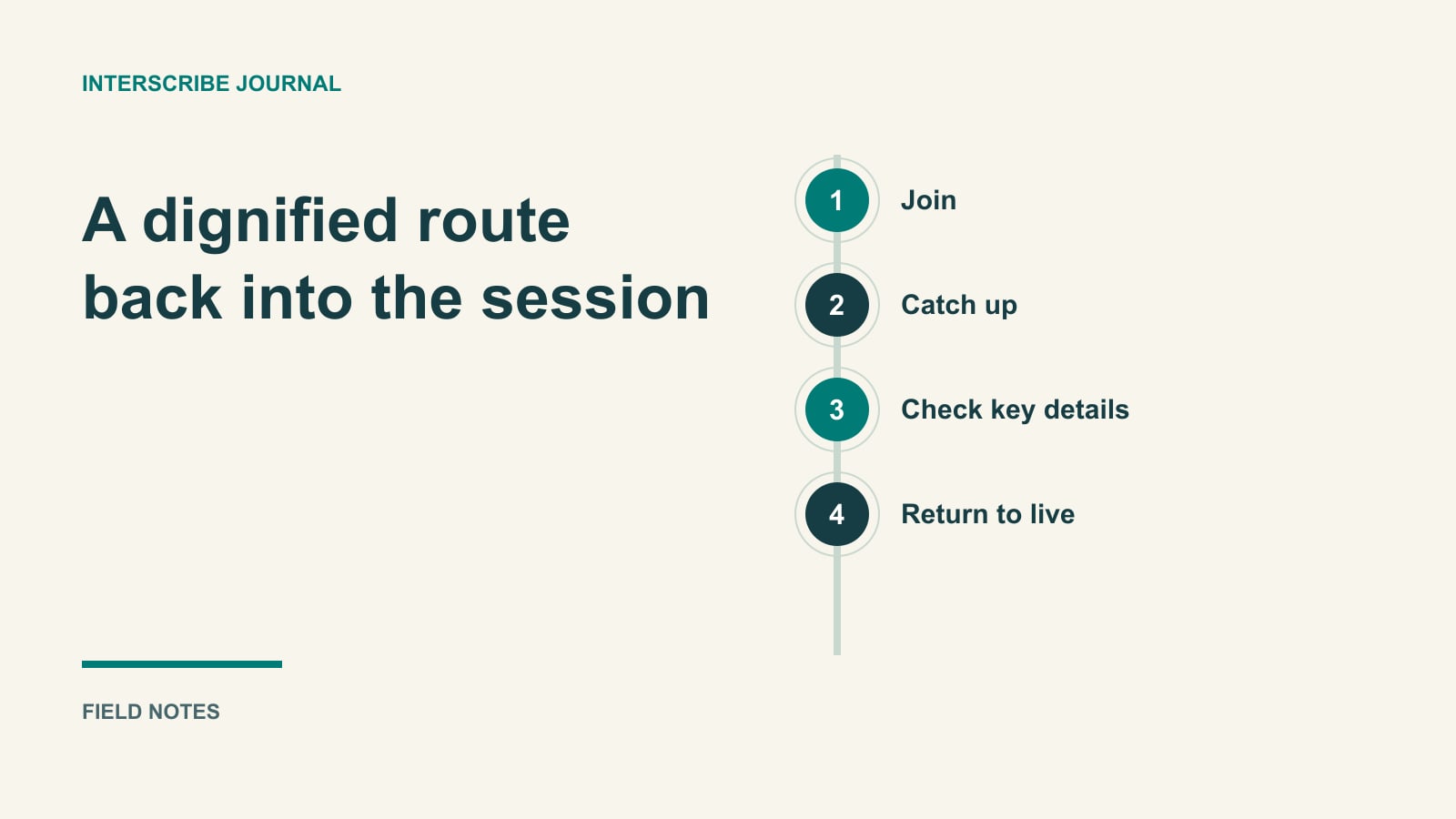
A parent returns after helping a child. A colleague joins after another meeting runs late. A visitor spends the first few minutes finding the right room. All three reach the same point: the session is underway, and they do not know what the speaker is referring to.
“Just read the captions” is not always enough. Captions show the current conversation; a returning attendee may need the question, decision, or example that made the current sentence meaningful.
Designing for this moment helps people rejoin without apologizing publicly or interrupting the speaker.
Separate orientation from a complete record
A catch-up aid should answer a modest question: “What context do I need to follow what is happening now?” It should not be presented as a complete account of everything the person missed.
In the documented recap workflow, eligible live sessions can offer an AI summary of the last ten minutes, written from captions. Organizers enable “What did I miss?” recaps under AI answers & recaps, where available to their account.
That ten-minute window matters. Someone joining forty minutes late should not be told that the recap summarizes the entire event. The underlying captions may contain errors or omit information, and the recap itself can miss things.
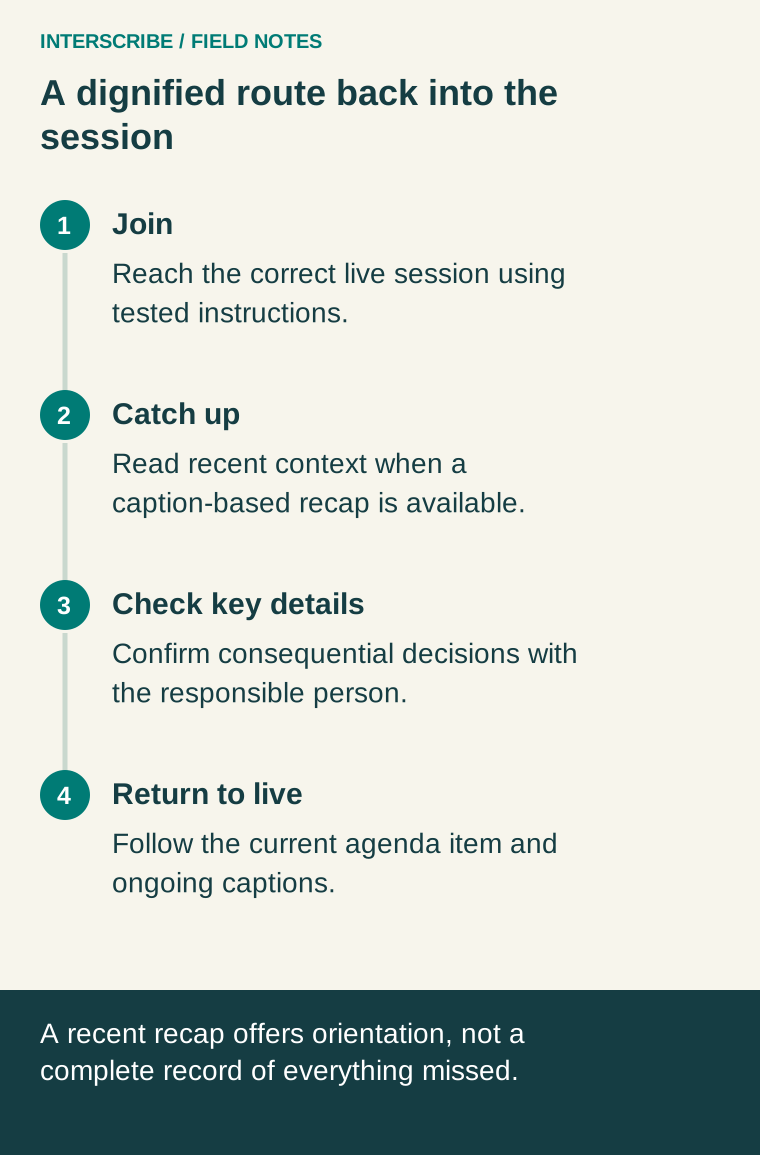
Make the joining path work first
Test the invitation on a phone that is not already signed into the organizer's account. Confirm that it opens the intended session and that any required access instructions are complete. A recap cannot help someone stranded at the wrong event page.
The joining guide distinguishes direct event links, portal links, recurring-series links, and joining with codes. Choose intentionally. A general portal is useful when people need to select among events; a specific link removes a decision when there is only one relevant session.
At the entrance or in the meeting instructions, use one short sentence: “If you join after we start, open the live session and look for Catch up, when available.” Avoid a long list of features at the moment someone is already trying to orient themselves.
Show what the recap can and cannot do
The documented listener experience can show Joined a number of minutes in, or You were away, with Catch up. The recap is also available through More as Catch up on what you missed. Its heading makes the recent window explicit.
No recap may appear when there was mostly music or very little speech, when the listener requested one recently, when the feature is unavailable, or when the session is not live. Prepare staff to explain those ordinary cases without repeatedly changing session settings.
A fallback can be simple: a volunteer points to the current agenda item, or the moderator gives a brief spoken transition. Do not promise that every absence can be reconstructed automatically.
A worked fictional return
Imagine a workshop discussing three possible volunteer schedules. Sam leaves briefly to answer an urgent call. On returning, Sam hears, “That makes option two the better choice.”
A recent recap might help Sam identify the alternatives and the reasons discussed. Before acting on the schedule, however, Sam checks the final decision with the facilitator or the approved written plan. A generated summary is useful orientation, but it is not the authority for a commitment that affects other people.
The facilitator helps everyone by saying: “We compared weekday, weekend, and rotating schedules. We are now discussing the weekend option; no final decision has been made.” That short transition also prevents an ambiguous recap from carrying more weight than it should.
Use this preparation card
| Before the event | What to verify |
|---|---|
| Availability | The actual session offers recaps and the setting is enabled |
| Entry | A guest can reach the correct event with the supplied instructions |
| Explanation | Welcome staff can describe the recent window and AI limitations |
| Fallback | Someone can identify the current agenda item without technical help |
| Important decisions | A named person or approved document confirms consequential details |
| Live transition | Speakers know to restate context when changing topics |
During rehearsal, ask a tester to step away while another person speaks through a short agenda item. Have them return and explain what they believe is happening. The test is whether they regain useful context, not simply whether a panel opens.
Keep post-event follow-up distinct
A live recap and a post-event summary serve different moments. InterScribe's summary documentation describes choosing a template, reviewing the generated result, and editing it. Confirm availability and configuration before promising a summary after the event.
The existing article on live captions versus post-event transcripts also helps explain why these resources should not be treated as interchangeable.
Designing for late arrival is not an invitation to make the opening disposable. It is an acknowledgment that real people step away, care for others, and encounter access problems. Give them a dignified route back into the conversation.