
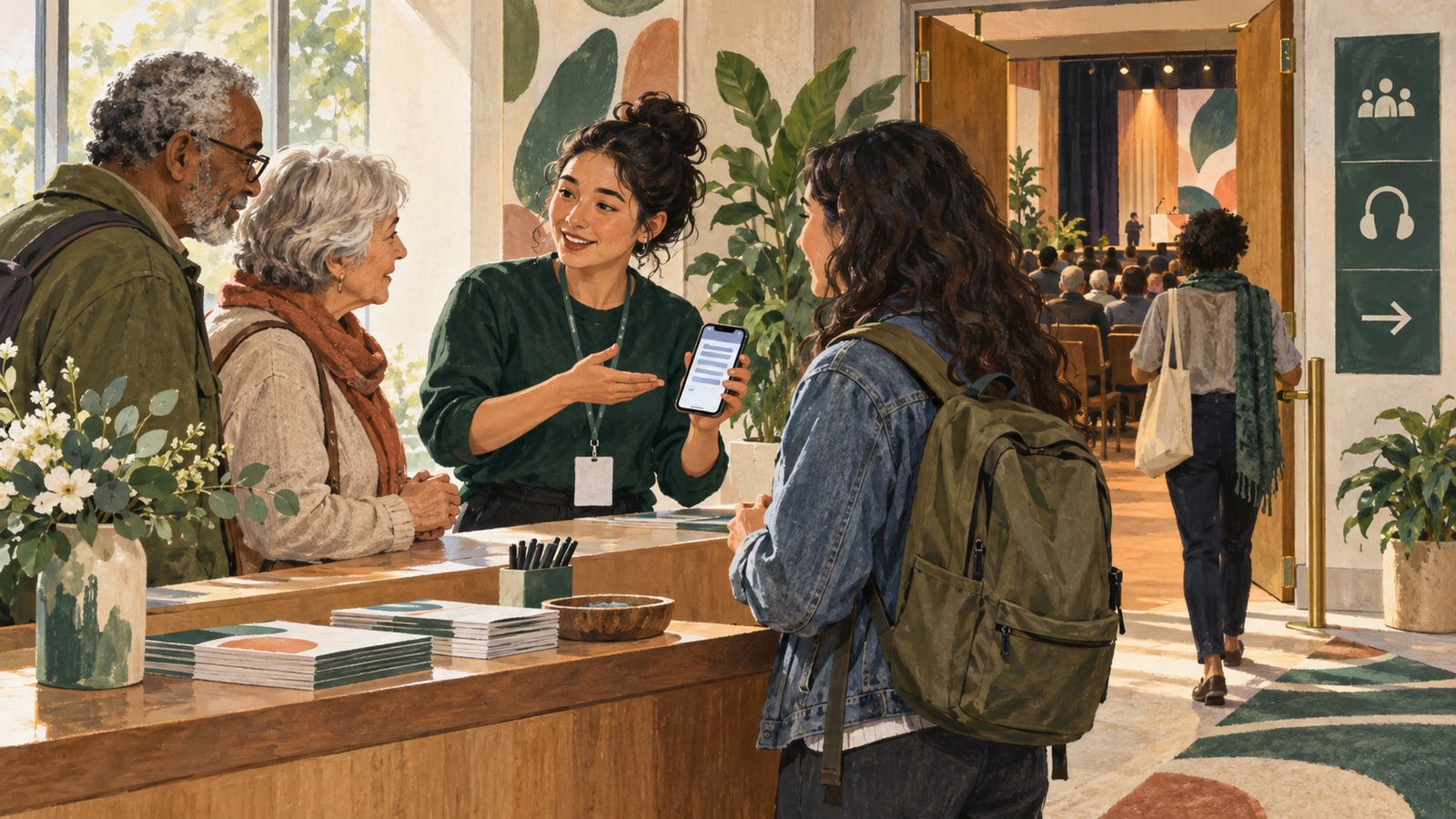
A well-run event can still lose someone before the opening sentence. The invitation links to a portal with several sessions. The printed code opens an old event. The page loads, but the visitor does not know whether to wait or select something.
Each obstacle seems small from the organizer's account, where everything is familiar. For an attendee, the obstacles form one experience. Designing that whole journey is often more useful than adding another paragraph of instructions to the event page.
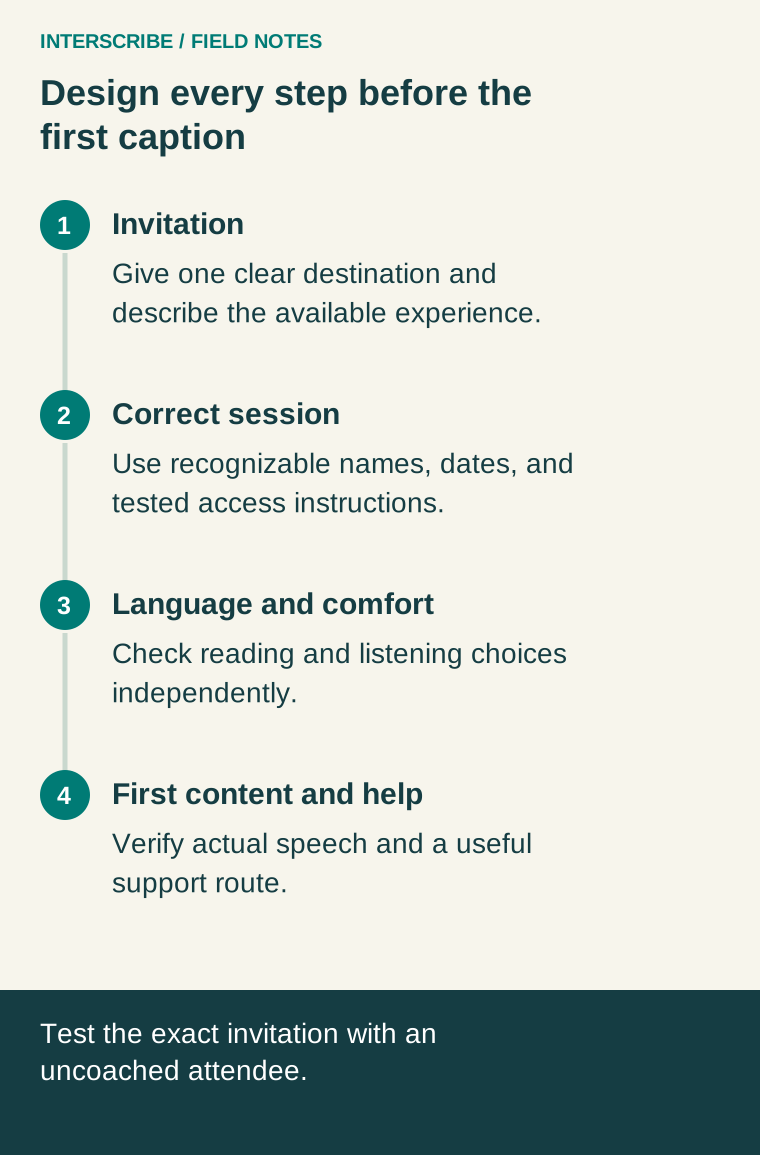
Give the invitation one clear next action
Decide what the attendee should open. A direct event destination is useful for a specific session. A portal may make sense when people need to choose among events. A recurring-series link serves a different purpose again.
The joining documentation describes these choices in the Share panel. Select deliberately and carry that same destination into the email, poster, and welcome script. Mixed destinations make troubleshooting harder because two people following “the link” may reach different places.
State the event's recognizable name, date, and what language support is offered. Avoid internal labels such as “Room Channel B Test” in instructions intended for the audience.
Treat access instructions as part of the invitation
Joining codes and access codes are not interchangeable. The documented workflow for a session requiring an access code uses the join page or portal with the necessary event and access information; the direct link or QR route has different behavior for that configuration.
Do not assume a public-session poster will work unchanged for a restricted session. Test the exact configured route from an ordinary guest context and follow the current joining guide. Avoid placing private access details on public signage when the event is intended for a restricted audience.
Write instructions in the order people will encounter them: open this destination, enter this event code if requested, then follow the session's access requirements. Do not make people infer which of several numbers belongs in a field.
Make arrival feel familiar
The event name in the invitation should match what people see on arrival. At the venue, place joining instructions where someone can pause safely, rather than only on a slide that disappears after a few seconds.
Offer both scanning and typing routes where appropriate. A person may not know how to scan, may be using the same phone to read an email, or may need help for another reason. A QR code is a convenience, not a complete accessibility strategy.
Give welcome staff a concise script: “This opens today's session. Once it starts, you can choose the language you read. If you want audio, we will show you the choices available for this event.” Match the script to what you have verified.
A worked fictional journey audit
An organization invites people to a public seminar through a branded portal. The organizer sees the session immediately because they recognize its internal title. A new volunteer sees three similar cards and opens last month's event.
The team changes the public title to include a clear topic and date, then tests again. The volunteer reaches the right session but expects speech while it is still scheduled. The invitation gains a short explanation that live content begins when the session starts. During the next test, the volunteer finds caption language independently.
The team has improved three transitions without changing the event's core content.
Use an uncoached test
Give a tester the actual invitation on their own device, or a representative device they can use comfortably. Ask them to think aloud. Do not point at the correct button immediately; allow the test to reveal where the instructions are unclear.
Record what happens, then help if needed. Never turn a rehearsal into an endurance test for the participant. The aim is to improve the route, not evaluate someone's technical ability.
| Journey stage | What the tester should establish | Friction to record |
|---|---|---|
| Invitation | Understand event and next action | Missing date, vague link, unclear offer |
| Destination | Identify the correct session | Similar names, old links, wrong portal |
| Access | Complete the intended joining route | Missing code or unexplained requirement |
| Language | Choose desired reading/listening experience | Assumption that one choice controls both |
| First content | Recognize live speech and follow a passage | Silence, wrong source, uncertainty about status |
| Help | Find a person or contact route | Circular instructions or unavailable staff |
Check reading and listening separately
The language and voice guide distinguishes caption language from audio choice. The reading settings guide explains text size and other comfort controls. Include the controls your audience needs in rehearsal, but do not overload the invitation with a complete manual.
For wider navigation design, the existing branded event portal guide is a useful companion. Your audit should establish whether the portal helps this audience make the next decision.
Keep the route current
After changes to dates, event access, or portal organization, retest the affected invitation materials. Keep a named owner for printed and digital versions so an obsolete poster does not outlive a corrected email.
The first caption is the end of the joining journey and the beginning of the event experience. Getting people there with confidence is a customer-facing task in its own right.