
Comparison
InterScribe vs OneAccord: an honest comparison
Both bring live translation to churches. OneAccord is built for churches, by its own account by church interpreters, at one monthly price; InterScribe covers churches, events and classes, with interpreters in a browser booth.
- Facts checked October 7, 2026
- 2 sources, listed below
- Written by InterScribe. We are not neutral, so we show our sources.
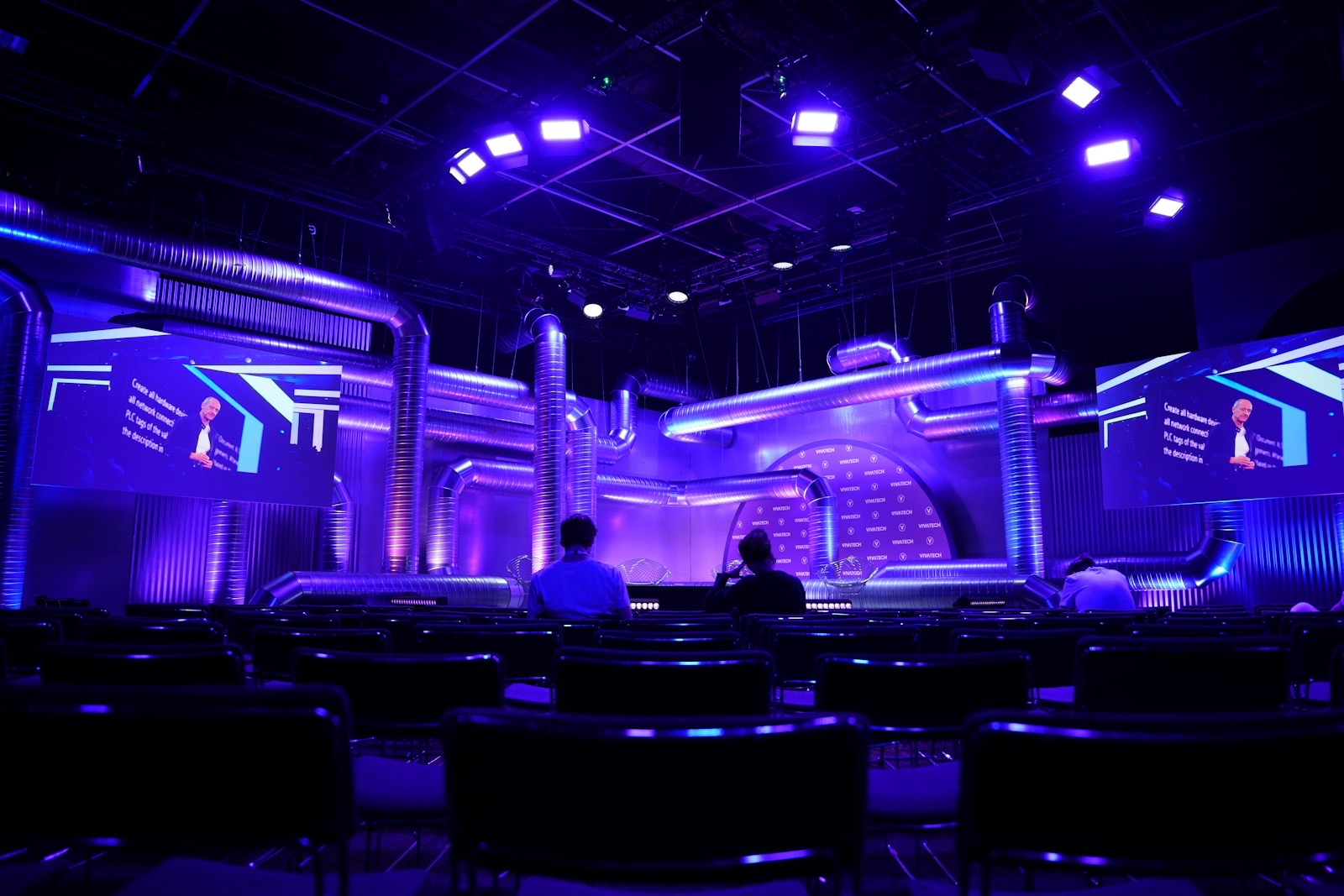
Keynote, in English
Good teams don't start with a plan. They start with trust.
Side by side
The facts, with dates
| Question | InterScribe | OneAccord |
|---|---|---|
| Published price | Engage is $499 a month with 25 event hours, about $19.96 an hour at full use. Captions in all supported languages are included. | $150 a month for 5 hours (one service a week), with a free trial and no setup fee.1Read on their site October 7, 2026 |
| Languages | AI voice in 89 languages. Captions in all supported languages. | 50+ languages, with voice and text.1Read on their site October 7, 2026 |
| AI voice | Natural AI voice in 89 languages, plus device voice (the phone reads captions aloud) on every plan. Your own interpreters use no AI-voice hours. | Voice and text in 50+ languages.1Read on their site October 7, 2026 |
| Human interpreters | Your own interpreters in a browser booth, mixed with AI voice per language. Booth seats from Engage. | Not published on the pages we read. |
| App needed to listen? | No. The QR code or link opens in the phone's browser. | Not published on the pages we read. |
| Works with | Audio in through a browser or the desktop streamer. Captions on ProPresenter screens. | ProPresenter, OBS, Bitfocus Companion and Stream Deck.1Read on their site October 7, 2026 |
Every fact about the other vendor names its sources below and the day it was read. Where its site does not say, the cell says so.
Event day
How each works on the day.
InterScribe
1 · Sound desk
Your mix goes in, as it does today.
2 · Laptop
A browser or the desktop streamer sends it.
3 · QR on screen
Your portal, or each room's own link.
4 · Their phone
Captions, AI voice or an interpreter, in the browser.
Interpreters join from the booth in their own browser. The operator console shows every room live.
OneAccord: what its site says, October 7, 2026
- Connects
- ProPresenter, OBS, Bitfocus Companion and Stream Deck.
- Delivers
- 50+ languages, with voice and text.
- How listeners join, and where audio comes from
- Not published on the pages we read. Ask in the demo.
Price per hour, compared fairly
Worked out: a church with one service a week
Every number is on the card, so you can check the sum.
OneAccord, as published
$150 a month for 5 hours, one service a week: $150 ÷ 5 h = $30 an hour.1
$150 a month
InterScribe
Community at the church price: $129 × 0.70 = $90.30 a month ($18.06 an hour). Billed yearly: $76.75 a month ($15.35 an hour). Captions in every language included.
$76.75 to $90.30 a month
$59.70 to $73.25 a month less
Two ways to buy InterScribe
A monthly plan if you meet every week. Hours you pay for once if you don't. Captions and translation in every supported language are in every hour, on both.
Monthly plans
List price, per month
| Plan | Price | Event hours | AI-voice hours | Per hour |
|---|---|---|---|---|
| Community | $129 | 5 | 0 | $25.80 |
| Launch | $349 | 15 | 5 | $23.27 |
| Engage | $499 | 25 | 20 | $19.96 |
| Elevate | $997 | 50 | 50 | $19.94 |
Swipe sideways to see every column.
Church or nonprofit and yearly billing combine. Engage becomes $296.90 a month: $11.88 an hour.
Pay once, no plan
By audience size, per hour
- Up to 250 people
- $45 an hour
- Up to 1,000 people
- $55 an hour
- Up to 5,000 people
- $70 an hour
- AI-voice hour
- $18 an hour
Church or nonprofit −30%: $31.50 an hour for up to 250 people.
Hours you buy up front stay usable for 12 months. Buying more at once takes a share off the whole purchase: 10 h −10%, 25 h −20%, 50 h −30%.
$45 × 0.70 = $31.50, −30% for 50 h = $22.05 an hour
- 10 h, church: $28.35 an hour
- 50 h, church: $22.05 an hour
Our prices are list prices in US dollars, read from our rates on the day the page is built; competitors' are as published on their sites on the date shown with each source; your quote may differ. Per-hour figures assume every included hour is used.
AI voice
Hear the difference before you buy.
An hour is long. A voice that follows the speaker's rhythm is easy to listen to for all of it; one that reads words out one at a time is tiring by minute ten. Some tools call text-to-speech "voice". Listen before you buy.
AI voice
Natural rhythm
Phrases flow, pauses fall where the speaker paused, and a question sounds like a question. InterScribe: a natural voice in 89 languages.
A phone's built-in text-to-speech
Robotic rhythm
Reads the captions word by word in one even tone, in whatever voice the phone has. Still useful: InterScribe includes it as device voice on every plan, at no extra cost.
Ask any vendor to play you their voice in your language before you buy.
Hear a sample
A real recorded keynote, voiced by the page your audience would use. Pick a language and listen to the rhythm.
More languagesWhere OneAccord is better
We would rather you hear it from us.
Who should choose which
Choose OneAccord if
- you are a church with one weekly service and want a single monthly price
- you want text reviewed by a person before it is translated, which its moderation mode does
- you control the room with Bitfocus Companion or a Stream Deck
Choose InterScribe if
- you want chat, Q&A and polls for your audience on the same page as the captions
- you want interpreters in a browser booth next to AI voice
- you also run events, classes or town halls, not only services
Where InterScribe differs
Choose InterScribe if this is your room.
Your listeners scan a QR code and pick their language in the browser.
Share your portal or the room link, not a single event: your portal always shows what is live and what is next. Nobody installs anything or makes an account.
- Choose Your portal, not This event
- Same page by link
- A code for people who type
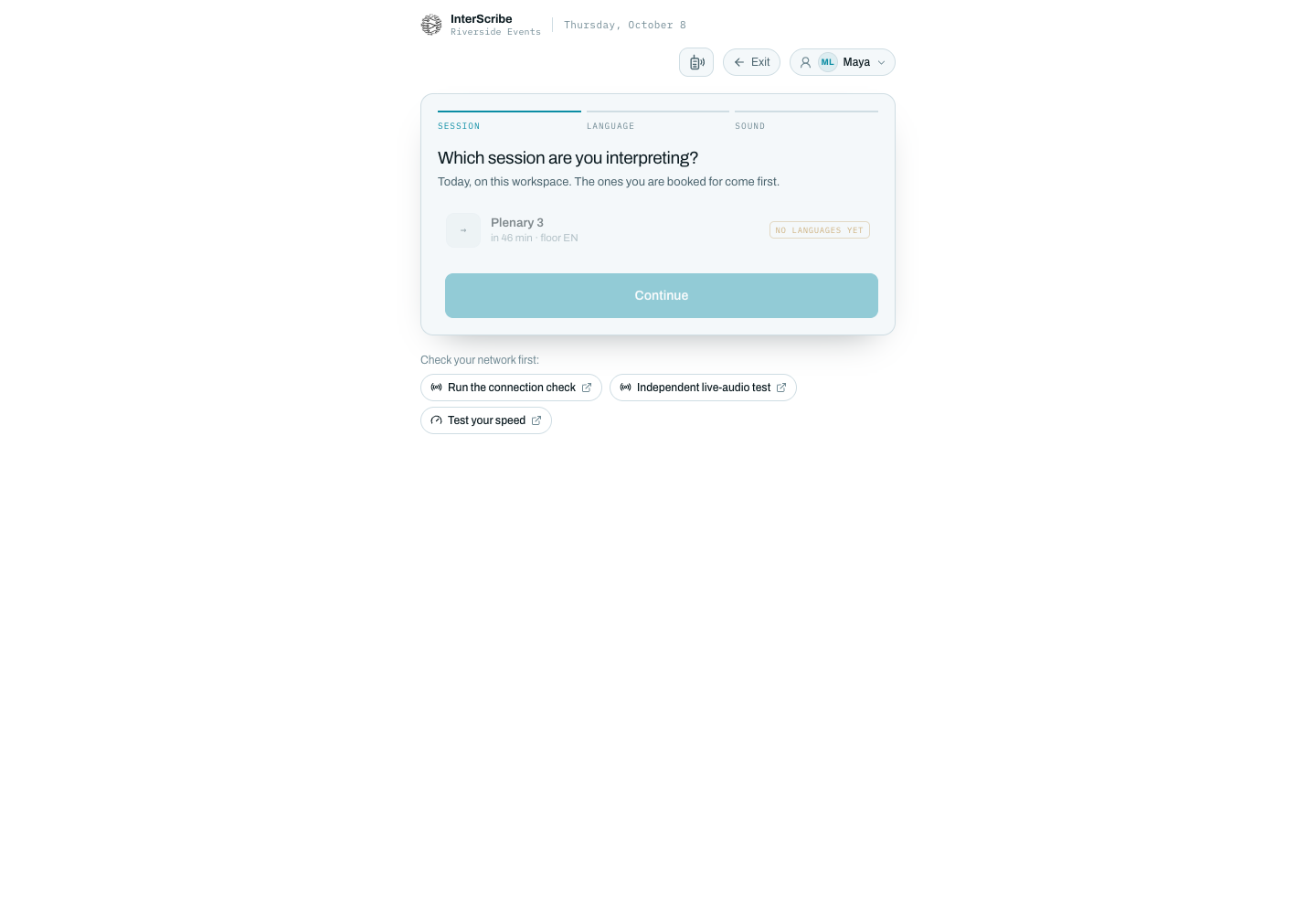
Your own interpreters in a browser booth, AI voice for the other languages.
At the venue or from home. They pick the session, their language and their sound.
Chat, Q&A and polls on the same page as the captions.
Messages arrive translated into each listener’s language.
Picture this
Thursday, 8:50. The annual meeting.
For example:
The QR code is on the screen behind the lectern. A member from Montréal scans it, picks Français and puts in one earbud. Two rows back, a colleague reads Spanish captions.
Upstairs, two volunteer interpreters cover Portuguese from the booth in their browsers. The AV lead watches the console, sees every room live, and doesn't touch a thing.
Switching from OneAccord
Moving over takes one rehearsal.
- Bring your word list
Export any glossary or term list you keep and paste it into Vocabulary. Names and terms carry over.
- Plug in the same audio
The feed you send today works here: a sound desk, a browser, or the desktop streamer.
- Swap the QR code
Print the new code on the same slide. Listeners do not need to learn anything new.
- Rehearse side by side
Run one recorded session through both and compare on your own phone before you cancel anything.
Before you sign
Questions to ask OneAccord, and us.
Ask both the same questions, in the same order. The answers decide it faster than a feature list.
Questions about OneAccord and us? Ask us.
Talk to a personIs InterScribe cheaper than OneAccord?
Compare the published prices in the table above, each dated the day we read it. We price by the hour and every hour covers all caption languages at once, so ask OneAccord whether their rate is per language before you compare the totals.
Do our listeners need an app?
No. A listener scans a QR code or opens a link on their phone, picks a language and follows along in the browser.
Can we use our own interpreters?
Yes. Interpreters join from a browser booth and the audience hears them live, while AI voice covers the other languages at the same time.
Does it work with Zoom or Teams?
Yes. Send the meeting's audio to InterScribe and listeners follow on their own phones, in the language they pick.
Sources
Something out of date? Tell us
- OneAccord home page, read October 7, 2026
- OneAccord, our story, read October 7, 2026
We do not link to other vendors. Search the vendor's name to read the same pages.
See what your own event would cost.
A price for your hours, rooms and languages.
Photos: Danny Perez on Unsplash