
If you have been running the same event routine for months, it is easy to keep using the platform exactly as you first learned it. The familiar route works, so new controls and documentation pass unnoticed.
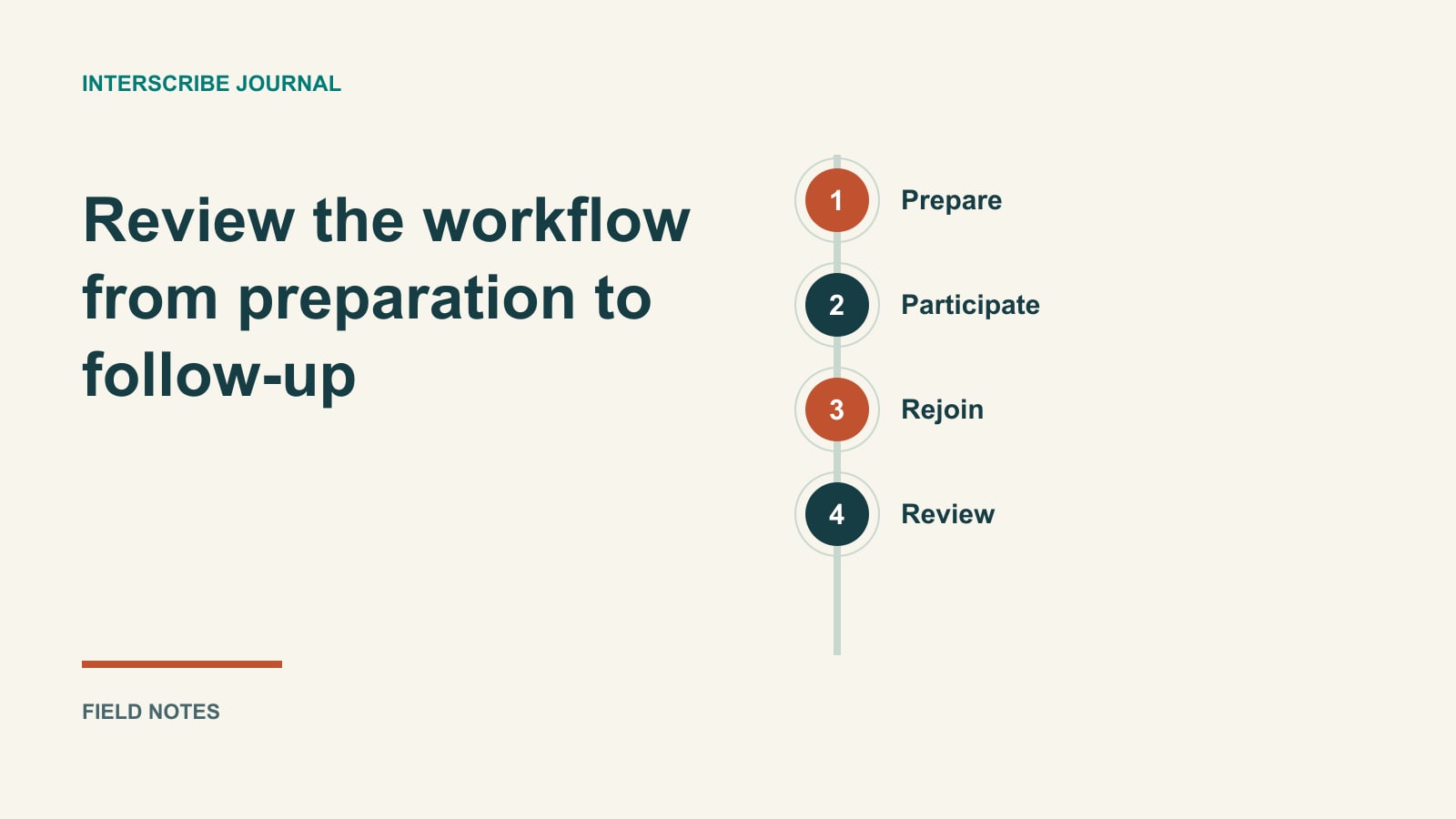
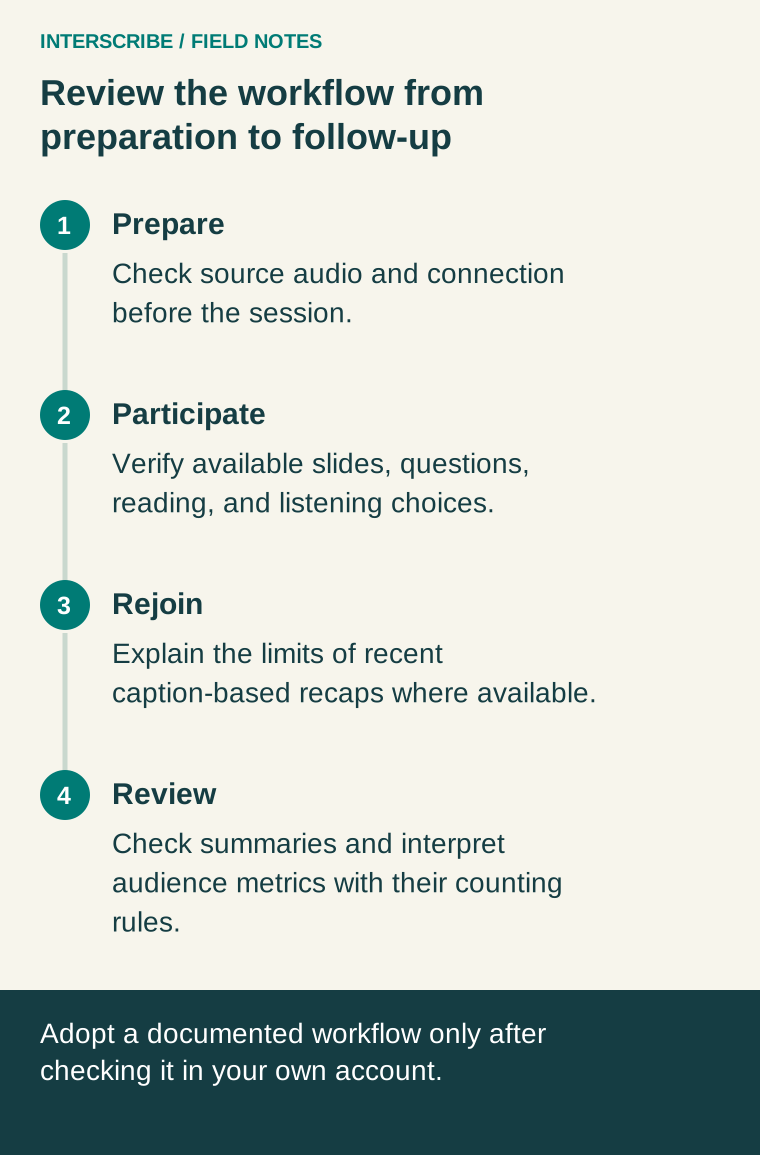
This guide revisits the event workflow through customer tasks: preparing a reliable source, helping people participate, bringing late arrivals back into the conversation, and reviewing the result. It is not a dated release ledger. The workflows below are described in the current documentation, and availability depends on your account and session configuration. Confirm them in your workspace before changing an event promise.
Before the event: move uncertainty into rehearsal
Begin with the computer and audio source that will actually run the event. The documented connection check examines the network path and provides a report ID that support can use. Run it before going on air because it shares the live audio connection.
Then verify the sound path. Getting good audio into InterScribe explains the room/channel relationship, agent inputs, and audio testing. A successful connection test does not prove that the correct microphone reaches the session.
For a team accustomed to checking only whether a laptop is online, the practical improvement is a recorded, end-to-end rehearsal: source, connection, session, attendee. Keep the report and the audio observation together, while distinguishing what each establishes.
During the event: review the participation experience
Look beyond whether captions appear. Can people read comfortably? Can they select the listening option they expected? Can they ask a question without changing to the presenter's language?
The reading settings guide describes text size, themes, font choices, spacing, and focus options. The language and voice guide distinguishes reading language from listening choice. Those distinctions are worth including in volunteer training because an attendee's immediate need may be different from the default display.
Where configured, chat and Q&A provide translated participation with moderation choices. Adoption means assigning a moderator and explaining the rules, not simply turning on a switch. Check who can submit, whether review is required, and what follow-up you can realistically provide.
Prepared text deserves a separate check
If your event relies on projected lyrics, scripture, or presentation text, review the documented Slides workflow. Where available, the session can present translated slide text alongside captions, with original/translated viewing options and organizer choices about sharing.
Rehearse the material at its real pace on an attendee device. A long slide might technically arrive but still be impractical to read. A translated lyric can convey meaning without becoming a singable adaptation. A scripture reference should remain identifiable.
The useful change is to include projected text in the same preparation conversation as speech, while recognizing that they are different sources.
Help people rejoin without overpromising
The documented recap feature, where available and enabled, offers a caption-based summary of the last ten minutes of a live session. It can help someone orient themselves after arriving late or stepping away.
It is not a complete record of a longer absence, and AI can miss or misstate details. Explain that distinction to the welcome team. Retain a human fallback: identify the current agenda item and direct important decisions to the responsible person or approved material.
For an existing workflow, a modest improvement might be a single sentence in the joining instructions explaining where to find recent context, rather than a new page of feature descriptions.
A worked fictional adoption plan
A monthly seminar team wants to refresh its routine without changing everything at once. It chooses two priorities: fewer joining questions and a clearer Q&A process.
The team tests the actual invitation with a new volunteer, updates the language-selection explanation, and assigns a moderator to review questions. It postpones slides because its presentations are already simple and the team needs time to rehearse the participation flow first.
After the next event, it records whether people found the session and whether questions reached the presenter. The team does not describe the change as successful merely because the settings were enabled.
Use this workflow review sheet
| Task | Current friction | Candidate improvement | Verification |
|---|---|---|---|
| Prepare | Source checks rely on memory | Record connection and audio results | Real event computer and test listener |
| Join | Repeated language-selection questions | Short, tested welcome instructions | Uncoached attendee test |
| Participate | Questions arrive through several routes | One explained, staffed Q&A process | Rehearsed question and answer |
| Rejoin | Late arrivals lack context | Explain available recap and fallback | Tester returns after a short absence |
| Follow up | Generated material shared unread | Assign review before distribution | Named reviewer checks key details |
Use your own observed friction rather than adopting every row at once.
Afterward: review the content and the evidence
The summary guide explains templates, editing, and downloads where available. Assign someone to check names, decisions, and important figures before sharing generated material. Rewriting a summary can replace edits, so understand the action before using it.
The analytics guide explains what people, connections, and language activity count. Read those definitions before making claims about reach or engagement.
For the established foundation, revisit the branded portal guide. Then choose one documented workflow that addresses a real customer obstacle. Check its availability, rehearse it, and keep it only when it improves the event experience.