
The venue manager holds up a phone: full Wi-Fi bars. Someone runs a speed test and gets a reassuring number. The team moves on to chairs, coffee, and microphones.
Then the doors open. Hundreds of phones connect, the presentation laptop starts syncing files, and the captions begin arriving in bursts.
A network rehearsal asks a different question from “Is the internet fast?” It asks whether the equipment and people involved can sustain the actual event workflow. You do not need to become a network engineer. You need a repeatable test, a useful record, and someone responsible for the next decision.
Follow the audio, not the Wi-Fi symbol
Start at the computer sending sound. Its connection carries audio out of the venue. A listener's phone receives the result. Those are different paths, and either can fail independently.
Download speed alone does not describe the sending computer's upload, the steadiness of that connection, or whether the venue permits the paths live audio needs. InterScribe's guide to fast versus steady connections explains upload, jitter, and packet loss in practical terms.
Draw the path on a sheet: microphone → desk or interface → sending computer → event network → listener. Add a separate line for a remote interpreter if you use one. Label the actual computer and network, not just “internet.” This prevents a successful test on an organizer's phone from being mistaken for a successful production test.
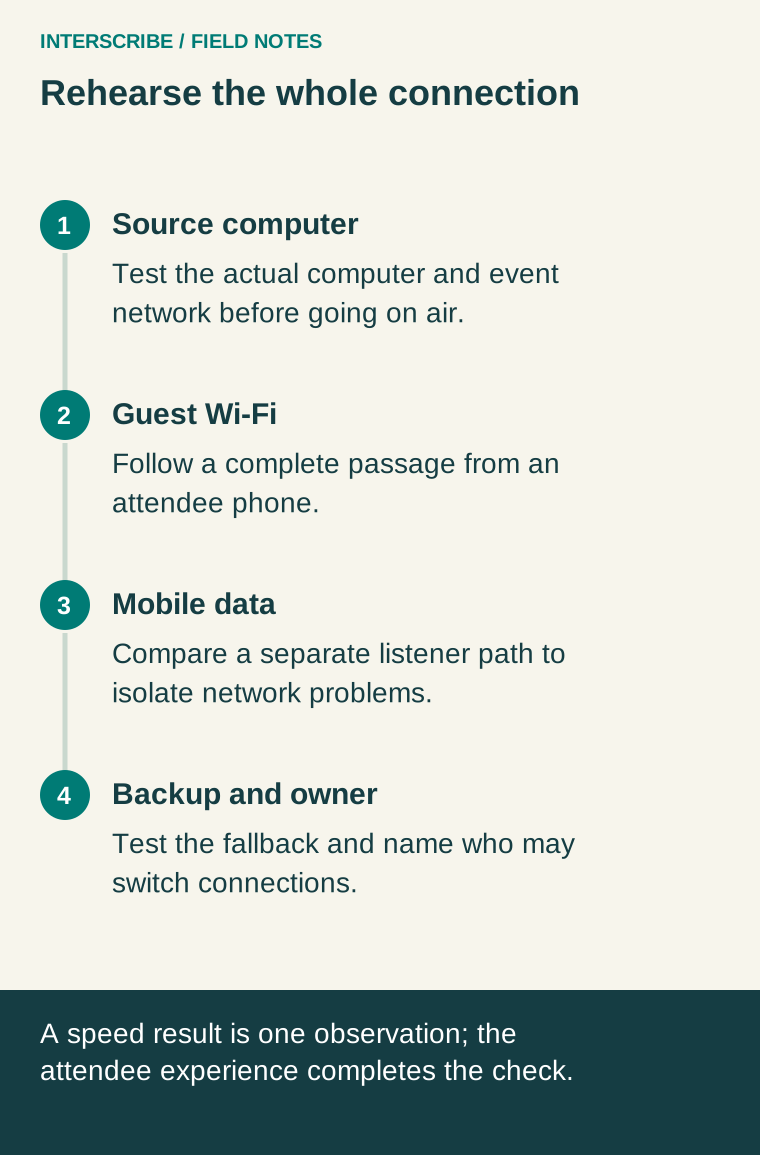
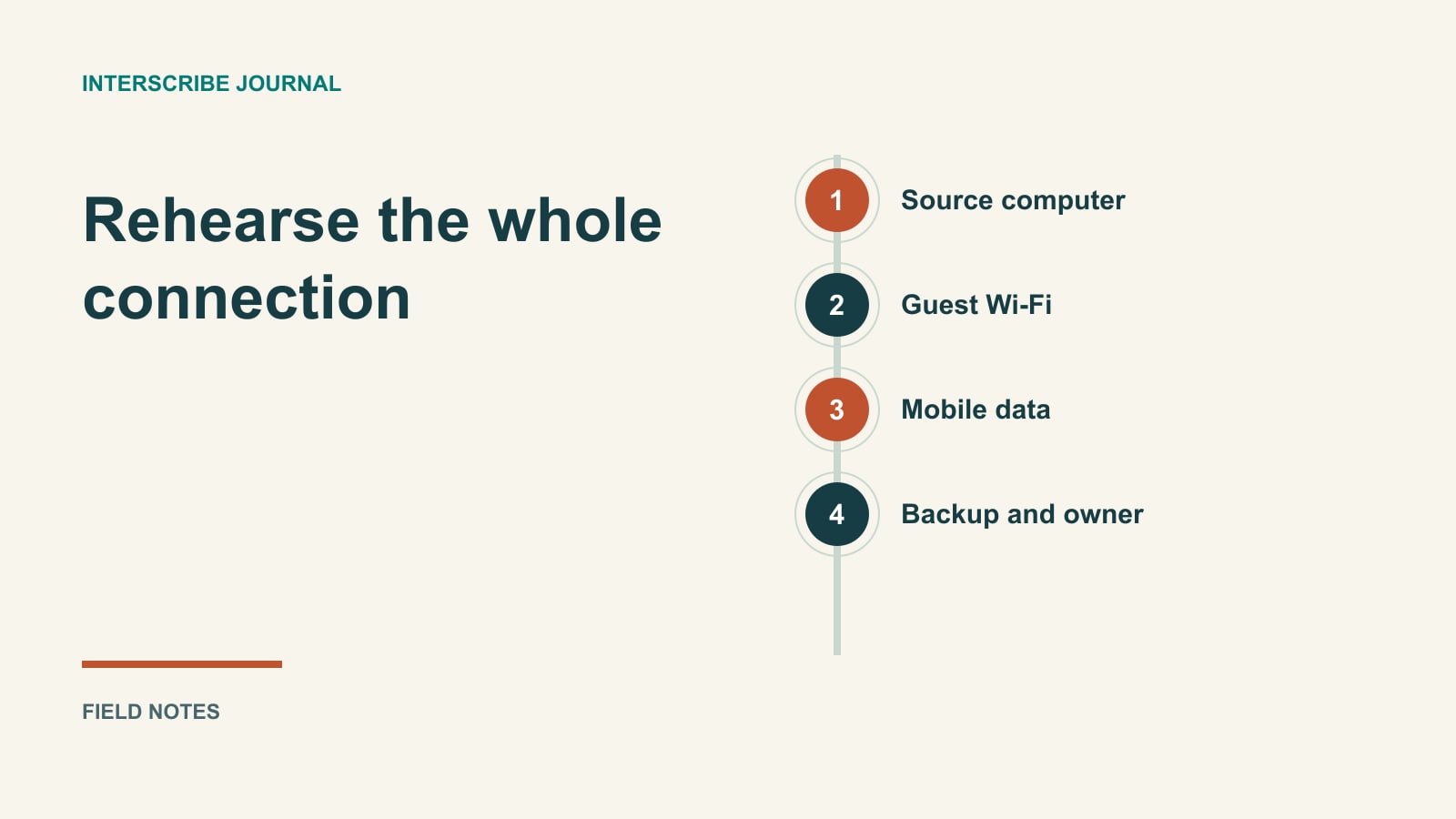
Rehearse where the event will happen
Use the same sending computer, connection, browser or agent, and room that you intend to use on the day. Test near the expected event time when possible. An empty-building test is useful, but it cannot reproduce every condition of a crowded venue.
Run the connection check before going on air: it shares the connection your live audio uses. Save the report ID so support can refer to the result. The connection-check guide also explains the independent speed tests offered with the result. Record what each test actually measured instead of remembering that it was “fine.” Follow with an end-to-end sound test: speak into each microphone that will matter and read or listen from a separate attendee device.
Try a phone on guest Wi-Fi and another on mobile data. If the page works on mobile data but fails on guest Wi-Fi, you have narrowed the investigation. If both phones receive silence, inspect the source audio and session before concluding that both networks are bad.
A remote interpreter should run their own check from their own working position. The venue's result says nothing about their home network.
Use a test sheet that leads to decisions
Copy this record for each rehearsal:
| Record | What to write |
|---|---|
| Sending equipment | Computer name, audio source, selected input |
| Connection | Cable or Wi-Fi; actual network name |
| Time and conditions | Date, time, room occupancy, other known uploads |
| Connection result | Report ID, result shown, interruptions observed, screenshot location |
| Guest Wi-Fi test | Could the listener open the session and follow a complete passage? |
| Mobile-data test | Same passage, same session, observed differences |
| Interpreter test | Floor audible, speech sent, listener verification completed |
| Action | One change, named owner, retest time |
Use a passage containing names, ordinary speech, a pause, and a change of speaker. Do not judge translation quality from words spoken into the wrong microphone: first establish that the right sound arrives.
A worked fictional rehearsal
Imagine a community conference with a wired sending laptop and public guest Wi-Fi. The sending laptop's check is satisfactory. A volunteer on mobile data follows the test passage, while a guest-Wi-Fi phone cannot open the event page.
The useful conclusion is not “InterScribe is down” or “we need faster internet.” The fault appears specific to the guest path. The venue's IT contact investigates network access using the IT pre-event checklist. Meanwhile, the team prepares attendee instructions that explain the available alternative without assuming everyone has mobile data.
Later, a wireless interpreter connection breaks up during a rehearsal. That is a separate problem with a separate owner. Keeping these observations apart saves the team from changing a working source connection.
Prepare the backup before calling it a backup
A phone hotspot is only useful if someone has tested it with the sending computer, knows how to connect, and can keep the phone powered and in place. Reception, carrier capacity, and phone behavior can change. A spare network is not a promise of uninterrupted service.
Agree who may switch the production connection and who tells attendees what is happening. Avoid asking several volunteers to change settings simultaneously. Retest after the switch, because moving networks can interrupt the live connection.
Prefer a network cable for production where available, pause unnecessary uploads, and involve venue IT when access rules need changing. Do not improvise network security changes during the event.
Decide whether you are ready
Your rehearsal is complete when the source sends the intended audio, a listener can follow it, relevant interpreters have tested their own path, and unresolved problems have owners. Keep the record beside the event run sheet.
For the next layer of preparation, the existing conference interpreter equipment guide helps frame the physical setup. A successful network check is a starting point; the attendee's experience is the final check.