
You never know who will walk through your doors.
Maybe nobody in your church needs translation today. Then one Sunday a visitor sits down who understands almost none of the sermon. Set InterScribe up once: a weekly Sunday series that starts itself, your portal’s QR code at the welcome desk, and a printed kit your volunteers can follow. Then you are ready for them.
“I was a stranger, and ye took me in.” Matthew 25:35, King James Version
- Starts by itself
- No app for guests
- 30% church price
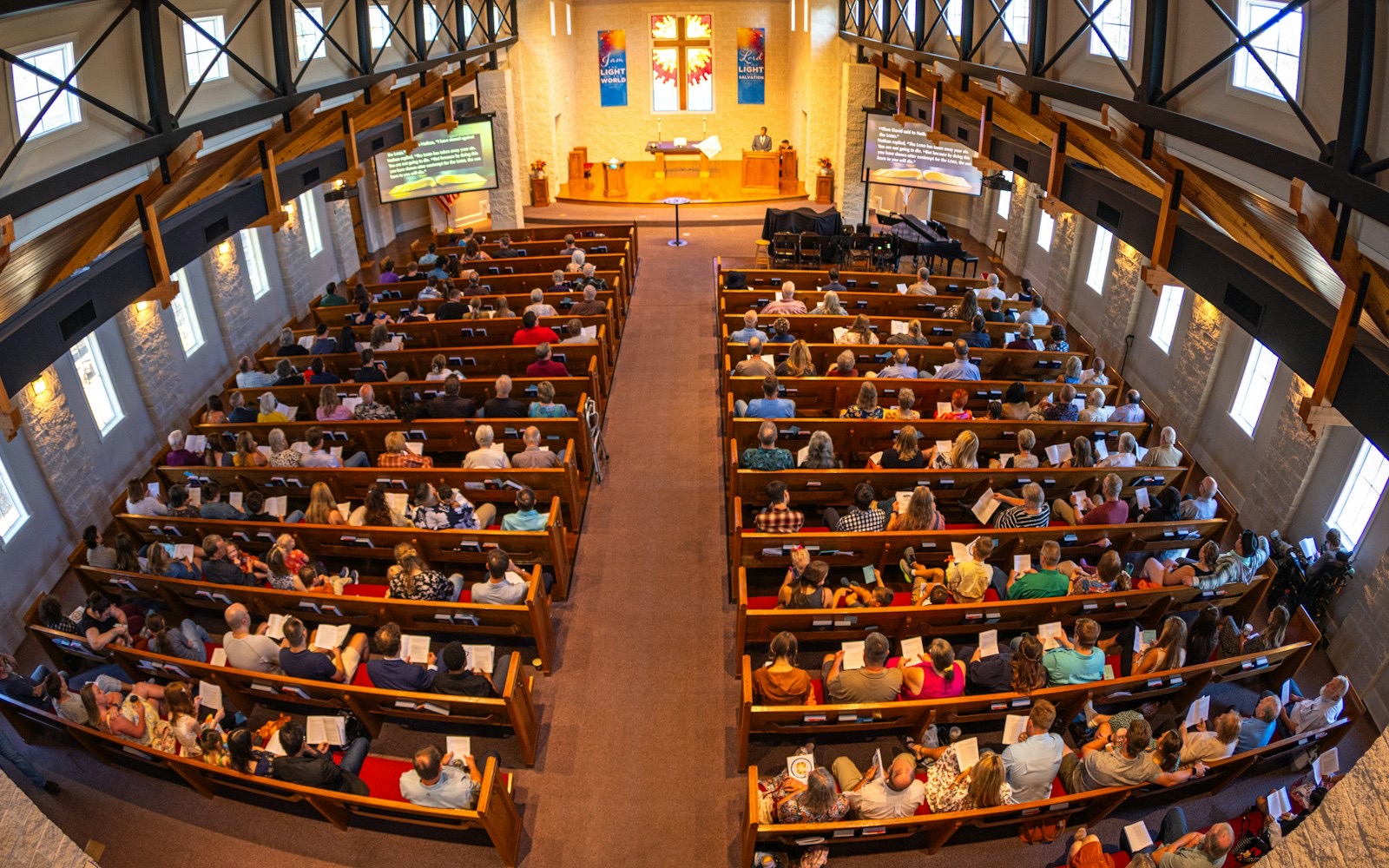
Sunday service · started itself at 10:30
Welcome. Scan the code and choose your language.
Picture this
The visitor nobody expected.
For example
10:41
A small church where every service is in English. A man walks in alone. He arrived from Iran last month, and a neighbour gave him the address. He speaks Persian and a few words of English.
10:42
Margaret on the welcome team doesn’t speak Persian either. She doesn’t need to. She turns the card on the desk toward him: “Scan this, choose your language.”
10:50
The service started itself at 10:30, as it does every week. By the first Bible reading he is following it in Persian on his own phone. Afterwards he stays for coffee.
Beforehand
The church had done one thing: got ready.
Readiness is hospitality
Be ready for the person you haven’t met yet.
Churches already prepare for people they haven’t met: a seat kept free, a welcome pack, coffee for whoever comes. Language is one more way to make room, done before anyone has to ask. One person is reason enough. A visitor who can follow the message can feel they belong, and come back.
Study the stranger and the nations in Scripture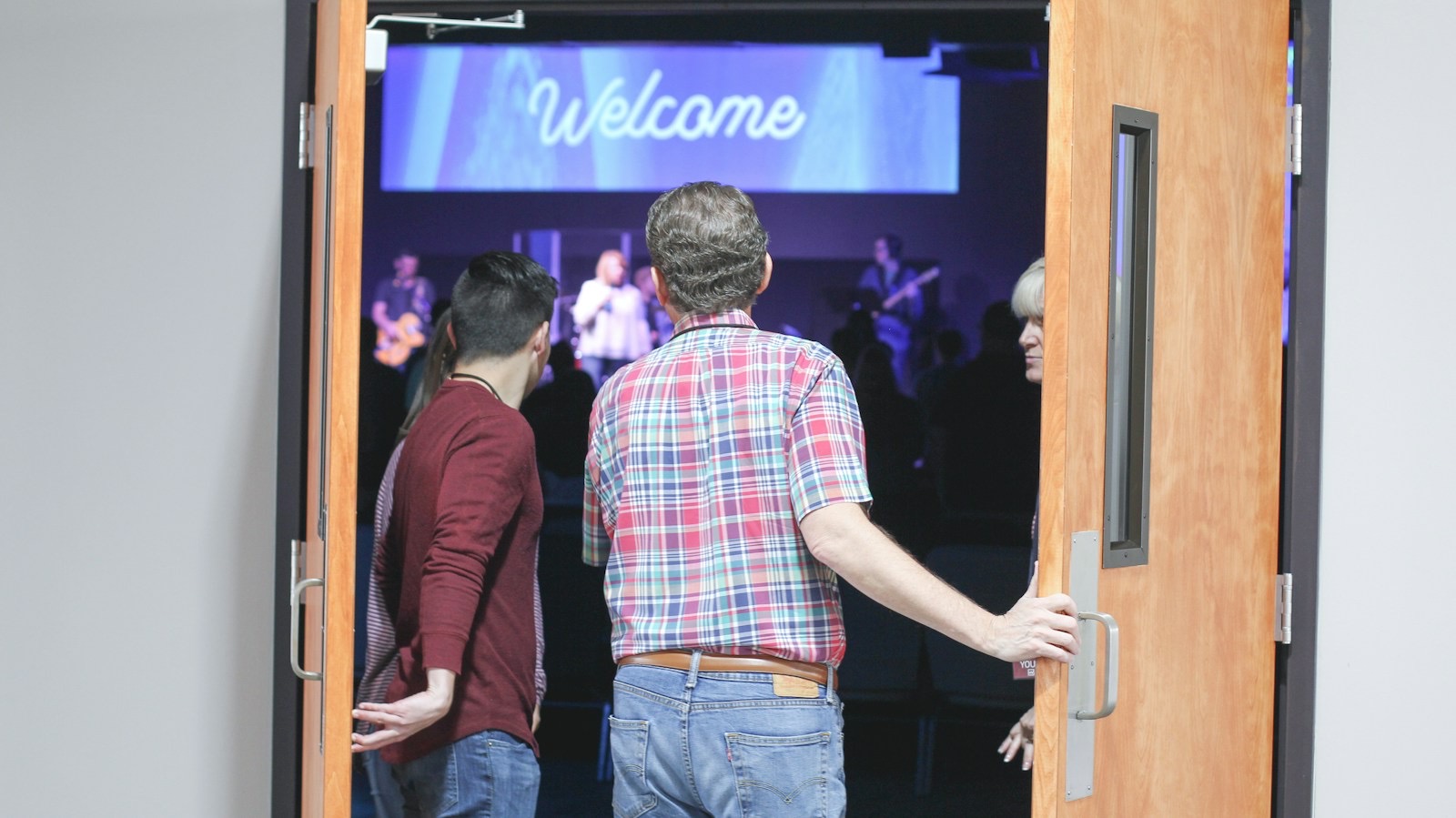
Be not forgetful to entertain strangers: for thereby some have entertained angels unawares.
Easy setup
Ready in 10 minutes. Ready every Sunday.
Four steps with your sound volunteer. After that, nobody has to remember anything on Sunday morning.
Choose how it hears the service
The sound desk computer: the InterScribe Agent takes the mix from your desk. Your stream: already sending to YouTube from OBS or vMix? Add InterScribe as a second destination. This computer’s mic: a browser on any computer, for a small room.
Works today
A weekly Sunday series that starts itself
Set the day, the time and the languages once. At 10:30 it goes live. Nobody has to press anything. Until then it waits in standby and guests hear nothing.
Works today
Print your portal QR
Print your portal’s QR once: it always shows today’s service, because your portal lists every upcoming event. Put it on the welcome desk, the slides and the bulletin. Share your portal, not a single event: events change every week. People who type can use the event code.
Works today
Print the volunteer kit
A card for the sound desk, a sign for the welcome desk, a card for the welcome team and a slide. Plain words a first-time volunteer understands.
Coming soon
Your stream: OBS, vMix and any encoder that sends RTMP, RTMPS or WHIP. YouTube keeps its stream. Taking audio straight from a YouTube live stream isn’t available; captions and audio tracks on your YouTube stream are on our public roadmap.
- Choose Your portal, then print its QR once
- Your portal's link for your website and bulletin
- An event code for people who type
What happens on Sunday, without anyone.
Before the service · Standby
The channel waits and streams nothing to listeners.
Sound check
If someone is at the desk, they can run a sound check of up to 5 minutes, or start audio early to hear the room.
At the time you set · Live
It starts at the time you set. Anyone who scans now follows from this moment.
Next week
The same portal QR shows next Sunday’s service.
To start by itself, the sound desk computer must be on with the InterScribe Agent open, or a browser tab open on the computer you chose.
The volunteer kit
Paper your volunteers can trust.
Whoever is on sound or at the door this week reads the card and knows what to do. Each piece carries your church’s portal QR code and a space to write your details: series name, the sound desk computer, who to call.
Printable pieces on US Letter, with your QR filled in once you are signed in.
Posters and slides are already in the Share panel. The kit adds the volunteer cards and the welcome-desk set, all with your portal’s QR.
More than translation
Ready for the visitor. Useful to everyone.
The same QR code helps the people already in your seats follow the message, and take part in it.

Captions for everyone
Many people follow better when they can read along, in the language you preach in or in their own.
25%+
People with hearing loss. More than a quarter of people over 60 live with disabling hearing loss. On average, a third of US congregation participants are 65 or older.
WHO, 2026 · Faith Communities Today 2020, via Lifeway Research, 2021 (33% aged 65+, 17% of the population)
38%
People who follow better reading along. 38% of US adults prefer subtitles on, and 63% of under-30s. Their top reasons are understanding and accents, ahead of hearing.
YouGov, 2023
100+
Second-language listeners. A review of more than 100 studies found captions improve understanding of, attention to and memory for what is said, especially for second-language listeners and people with hearing loss.
Gernsbacher, 2015
- Q&A · ask without your name
- Poll · one tap
- Chat · in your language
- Recap · to look back on
Take part, in any language
The page a guest opens to listen also lets them join in. Turn on what fits your church.
Q&A. Questions can be anonymous, which helps people who would never raise a hand. Research on classroom response tools finds small but real gains in participation, and shy people prefer to ask anonymously.
Hunsu et al., 2016 · EDUCAUSE, 2007. Classroom studies, not congregations.
- PollsA question to the room, answered from every seat.
- Translated chatEach person reads it in their own language.
- NotesWritten beside the message as it is preached.
- HighlightsKeep the line that spoke to you.
- Ask AIAsk about what was said, in your language.
- A recapTo look back on during the week.
Live AI captions can contain errors, most often in names, quoted verses and song lyrics.
What it takes, honestly
Prepared before the need. Dependable when it matters.
A QR code on its own doesn’t translate anything. It opens a page. What makes the page speak is ready behind it:
The sound feed
InterScribe hears what your desk or stream sends. A muted channel means no captions.
A computer that stays awake
Starting by itself needs the computer on, with the Agent open and the lid up, or a browser tab open.
A steady connection
A cable to the router beats Wi-Fi. Run the connection check once from the sound desk.
One rehearsal
The one thing we ask. Let it run on an ordinary Sunday, with a phone in the back row. A setup nobody has tried is not ready.
And translation is not a welcome on its own. It removes a barrier so your people can do what they already do: greet, listen, pray, invite back.
Where you are today
Three ways churches use InterScribe.
Start where you are. Move to the next when your church does.
This page
Be ready
For a church with no regular translation need that wants to welcome the visitor who might come.
- Your portal’s QR on posters, printed once
- Languages set in advance
- Start it only when someone needs it
Every Sunday
Include everyone weekly
For a church with members who follow every service in another language.
- Live on schedule, every service
- Captions, AI voice and your interpreters
- Transcripts for small groups
Beyond your walls
Reach the nations
For conferences, livestreams, outreach and missions, where the audience is many languages at once.
- Several rooms, each with its own channel
- Online viewers on the same link
- Interpreters from anywhere
The Be Ready package
Pay a little to stay ready. Use hours when someone comes.
For a church with no regular translation need that wants to welcome the visitor who might come.
For churches
Be Ready
- Prepaid event hour
- $55 an hour
- Prepaid AI voice hour
- $10 an hour
- Church price on top
- 30% off, declared at checkout
Prepaid hours are bought when you need them, at the rates in the catalog today.
- A small monthly readiness fee that keeps your series, portal QR, languages and kit live
- Prepaid hours at a discount that roll over
- Hours drawn only when someone listens: the service waits ready and starts when the first guest opens the link
- The volunteer kit, with your portal QR on every piece (coming soon)
Questions about being ready? Ask us.
Talk to a personWe rarely have visitors who don’t speak English. Is this for us?
That is who Be Ready is for. You set it up once and it waits. And the same captions help people already in your seats: older members who hear less than they used to, and anyone who follows better reading along.
What does being ready cost on the Sundays nobody uses it?
Today a service that starts itself runs for its scheduled time whether or not anyone opens it, and its hours count. We are building a readiness fee and a mode that waits until the first guest opens the link, so hours are drawn only when someone listens; both are coming soon. Until then, you can leave a service to be started by hand from the console when someone needs it.
We already stream to YouTube. Can InterScribe use that?
Yes, from your streaming software. In OBS, vMix or any encoder that sends RTMP, RTMPS or WHIP, add InterScribe as a second destination next to YouTube. Your YouTube stream doesn’t change. InterScribe can’t take audio from a YouTube live stream itself; captions and audio tracks on your YouTube stream are on our public roadmap.
Does someone have to press start every Sunday?
No. A weekly series goes live at the time you set. Before that it waits in standby and guests hear nothing. It needs the sound desk computer on with the InterScribe Agent open, or a browser tab open. Whoever is at the desk can press Go live to start early.
Which languages should we set in advance?
The ones spoken in your neighbourhood, and the language you preach in for people who read along. For captions, guests can pick from 100+ languages. A natural AI voice is available per language as a premium option, and any phone can read the captions aloud with its own voice.
What if our sound volunteer is away that Sunday?
The service starts itself, so nobody has to remember. The “Sunday at the sound desk” checklist in our help pages stays by the computer: whoever is on sound reads it before the service and again if something looks wrong.
The visitor arrives halfway through. Is it too late?
No. They scan and follow from that moment. After the service, the transcript is there in their language, so they can read what they missed.
Do visitors need an app or an account?
No. The QR code opens your portal in the phone’s browser, showing today’s service. They choose a language and read or listen. People who prefer to type can go to scrb.live and enter the event code.
Is AI translation good enough for a sermon?
It follows a sermon well, and it can get names, quoted verses and song lyrics wrong. Add your pastors’ names and the words your church uses to a vocabulary before the first Sunday. Let a visitor know they can ask someone afterwards, and put the reference on the slide so they can read the passage in their own Bible.
Be ready by next Sunday.
Hear what a visitor would hear, then see what it costs your church. Talk to a person if you’d like help with the first rehearsal.
Church section
The whole sermon, for every family in the room.
Pages for pastors and church leaders: how a Sunday works, being ready for the visitor you have not met, captions, taking part, the mission and what Scripture says.
Photos: Benito Sanity, Vitaly Gariev and Kristina Paparo on Unsplash