
Live captions for churches
Captions for everyoneEvery word, on the screen in their hand.
Captions are not only for another language. The member who hears the voice but loses the words, the guest still learning English, the parent walking a baby in the foyer: each scans the QR and reads the whole message as it is preached, at a size they can read. English captions for English speakers, or any of 100+ languages, with the original line underneath when they want it. No app.
- Large text
- Original line underneath
- No app
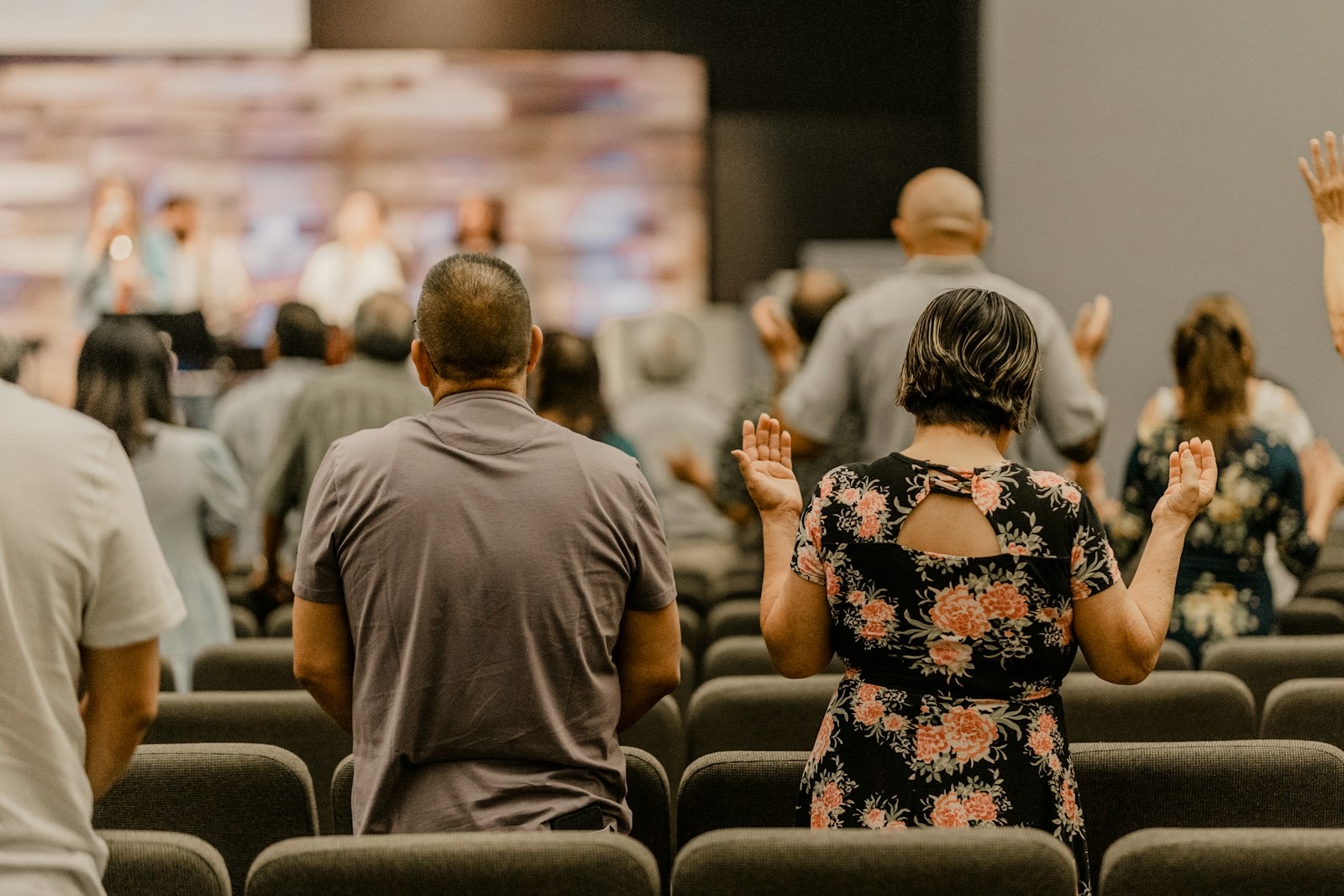
The pastor, in English
Turn with me to the book of Ruth.
The quiet problem
Most people who miss words never say so.
They nod along. They sit closer, or stop coming to the evening service. Some don’t know their hearing has changed; it happened slowly. Nobody hands the welcome team a note that says “I lose about a third of the sermon.”
- “I can hear him. I just can’t make out the words.”
- “My English is fine for shopping. Sermons go too fast.”
- “I spent the whole message in the hallway with the baby.”
Illustrative lines, not quotes from named people.
Measured vs. reported
19.2%
of Canadian adults had at least mild hearing loss when it was measured
3.7%
said they had trouble hearing
Most people with hearing loss don’t know it, or don’t say it. Captions on their own phone don’t ask them to.
Statistics Canada, Canadian Health Measures Survey analysis (Health Reports, 2015).
Who reads along
More of your church than you’d guess.
Many people follow better when they can read along. Here is who scans the code on an ordinary Sunday.
Older members
The faithful in the same row for thirty years
They hear the voice and lose the words. Large text on their own phone, no special seat, no device to sign out.
Didn’t know
People whose hearing changed slowly
Nobody has to admit anything. The code is on the screen for everyone; whoever reads along, reads along.
Read along
People who follow better reading
Seeing the words as they’re spoken helps many people keep the thread, catch a name or a verse reference, and scroll back to a line.
Second language
Guests still learning English
Some read in English to keep learning, some in their own language with the English line underneath. Both are one tap apart.
Noisy rooms
The back row, the overflow room, the gym
Echo, a fan, a row of children. The words on the phone are as clear in the last row as in the first.
Parents
The parent in the foyer with the baby
Walking, rocking, still following. They come back in for the last song knowing exactly where the message went.
What the research says
Reading along is not a niche need.
Six findings, quoted as published. Each one is about a population, not your church, so we don’t turn them into a number for your congregation.
25%+
More than 25% of people over 60 live with disabling hearing loss.
WHO, Deafness and hearing loss fact sheet, 2026
55%
of US adults 75+ have disabling hearing loss; fewer than 1 in 3 adults 70+ who could benefit have ever used a hearing aid.
NIDCD, Quick Statistics About Hearing, 2024
33%
On average 33% of US congregation participants are 65 or older (17% of the population).
Faith Communities Today 2020, via Lifeway Research, 2021
38%
of US adults prefer subtitles on, 63% of under-30s. Top reasons: comprehension and accents, ahead of hearing difficulty.
YouGov, 2023
~80%
One UK study found about 80% of TV subtitle users had no hearing impairment.
Ofcom (as reported)
100+
studies reviewed: captions improve comprehension of, attention to and memory for video, especially for second-language listeners and people with hearing loss.
Gernsbacher, Video Captions Benefit Everyone, 2015
Most caption research is about recorded TV and video. Live AI captions can contain errors, so we don’t claim the same benefit for every word of a live service.
On their phone
Big enough to read. The original one glance away.
Guests open the page from the QR in the browser they already have. Everything they need is on one screen.
Scan the code
On the screen, the bulletin or the welcome desk. Or type the short code at scrb.live.
Pick a language
English for the words as spoken, or one of 100+ languages.
Tap T
Make the text bigger, and choose whether the original line shows under the translation.
Read, or listen
Scroll back to a line they missed. With earbuds, the phone can read the captions aloud.
Picture this
Sunday, 11:52. Walter is quoting the sermon.
For example
Before
Walter is 81 and has sat in row four since the building opened. For a few years he has caught the start of each point and lost the rest. He won’t wear the hearing aid in the drawer at home.
In March
His friend Ray showed him the QR on the screen. Ray set the text to the largest size and handed the phone back. That was all.
11:52
Over coffee after the service, Walter is the one saying “did you catch what he said about Ruth?” He did. Every word.
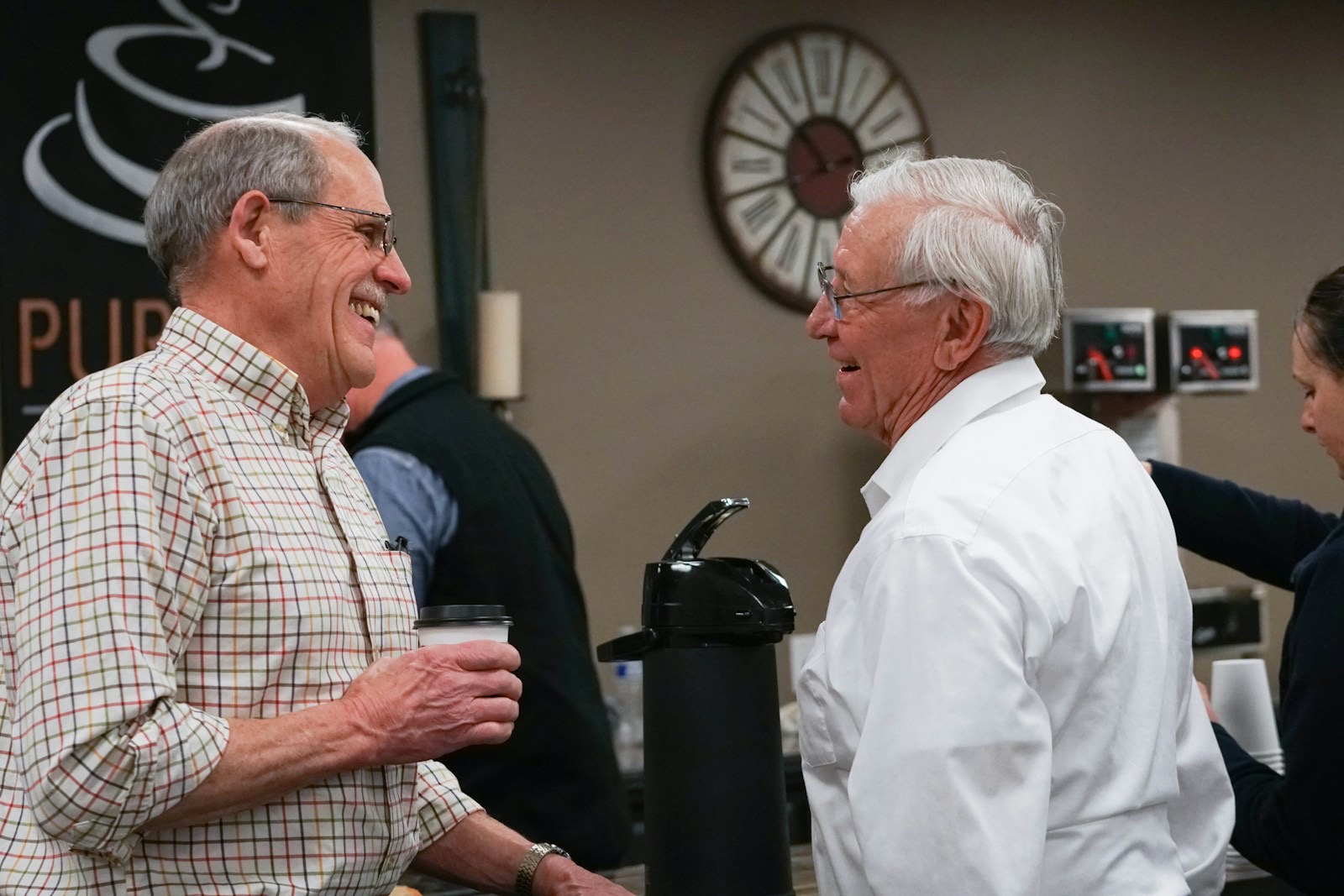 English · largest text · since March
- Same seat
- His own phone
- Nothing to ask for
Deaf members and guests
Your signer, beside the captions.
Captions are not a replacement for sign language. If your church has a sign-language interpreter, they sign the service from their own camera, and Deaf guests tap “Sign” to see them in a window next to the captions, on a phone or a computer.
- American Sign Language, British Sign Language, Libras, Auslan and more
- The interpreter can sign from the front or from home
- On a phone, the window never covers the newest caption
Beta Sign language channels are in beta and come with selected plans.
For the whole room
Captions on the big screen, the lobby TV and the overflow room.
Open a display screen on any computer connected to a projector or TV. It shows the captions large, with the QR in the corner so anyone who wants them closer can take them to their phone.
- Choose Your portal: one QR for screens and bulletins
- Your portal link for phones and displays
- A code to type at scrb.live
Questions churches ask us about captions
Talk to a personCan we show English captions to English speakers?
Yes. The language the pastor speaks is always one of the choices, so a member who only needs the words can read them as spoken. Other people on the same QR can pick another language at the same time.
Do people need to download an app?
No. The QR code opens the page in the phone’s browser. They choose a language and read or listen. Church Wi-Fi or their own mobile data both work.
How do people make the text bigger?
They tap T on the listener page, choose a larger text size, and decide whether the original line shows under the translation.
We already have a hearing loop. Do we need this too?
A hearing loop serves people with hearing aids; captions serve anyone with a phone, including people without hearing aids, guests in another language and people in the overflow room. Captions don’t replace a loop; use them alongside it.
Can the captions go on our projector screen?
Yes. Open a display screen on any computer connected to a projector or TV. It shows the captions large, with the QR in the corner.
What about our older members without smartphones?
A display screen shows the captions for the whole room, and a welcome-team volunteer can help someone open the page on a borrowed or family phone. Captions are one way to include people; they are not the only one.
Can people read the sermon again during the week?
Yes. When the service ends, the whole sermon is there as a transcript in every language that was used, to read or download. An AI summary of the session comes with Launch and up.
Let everyone read along this Sunday.
Hear and read what a guest would, then see what it costs your church. Talk to a person if you’d like help setting up the screen.
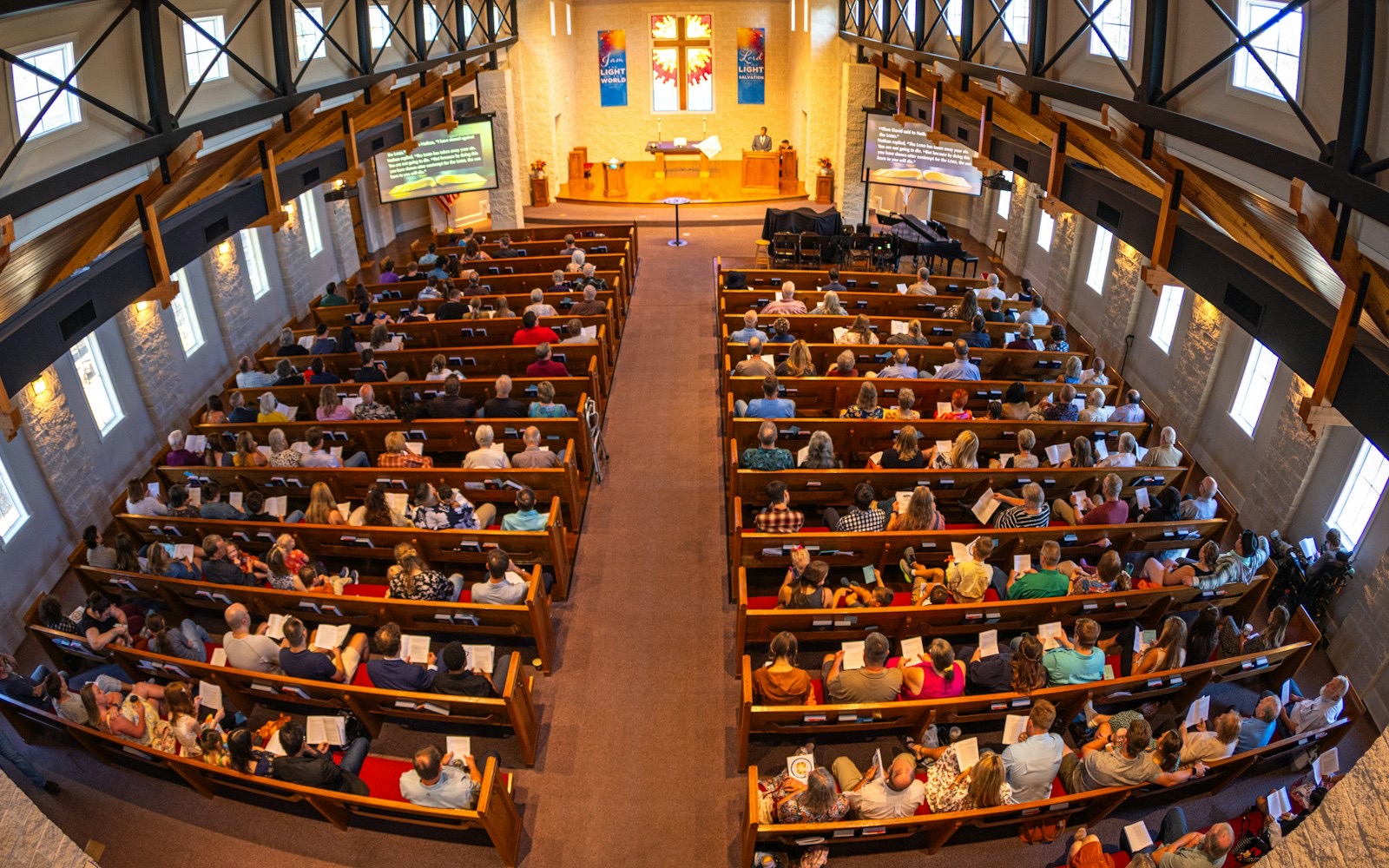
Church section
The whole sermon, for every family in the room.
Pages for pastors and church leaders: how a Sunday works, being ready for the visitor you have not met, captions, taking part, the mission and what Scripture says.
Photos: Stephanie Hernandez, Benito Sanity and Connor Olson on Unsplash