
InterScribe vs Google Meet for multilingual sessions
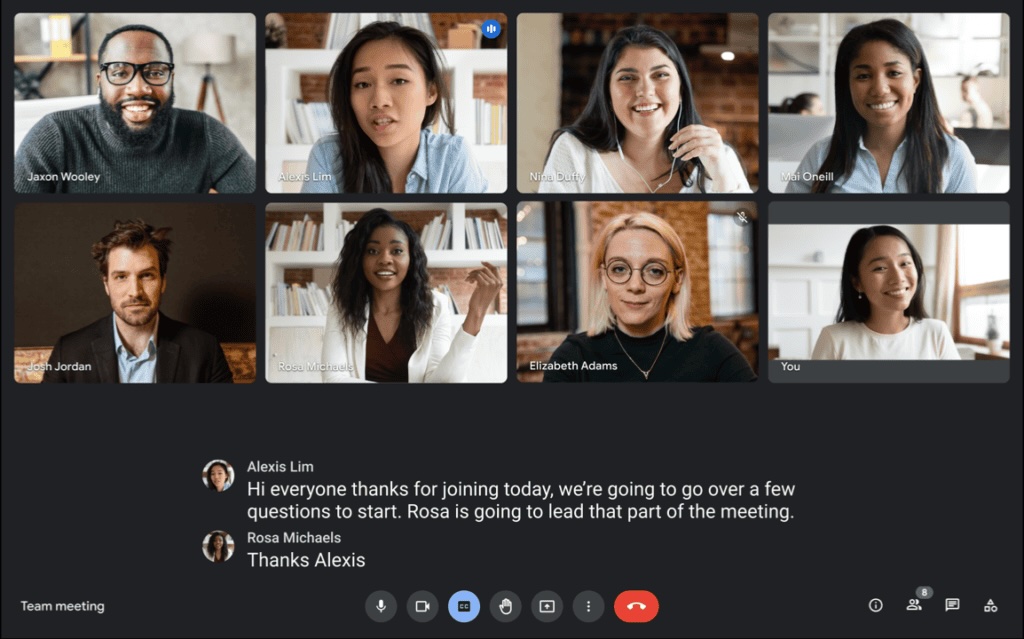
Meet is ideal for quick collaboration inside Workspace. InterScribe is designed for multilingual delivery, attendee language access, and event-scale operations.
Operational differences that impact delivery
| Category | Google Meet | InterScribe | Practical takeaway |
|---|---|---|---|
| Primary use case | Fast video meetings in Google Workspace workflows | Multilingual event delivery and interpretation operations | InterScribe when multilingual delivery is strategic |
| Language experience | Caption/translation capabilities vary by Workspace plan and setup | Event-focused language selection and multilingual attendee flow | InterScribe for broader audience language access |
| Audience access model | Workspace-centric meeting model | Browser-first access with attendee-oriented entry flow | InterScribe for public webinars and external audiences |
| Terminology customization | Limited direct controls for custom domain vocabulary | Glossary workflows for technical names and terms | InterScribe for specialist education/training contexts |
| Post-session language outputs | Meet-first output patterns with Workspace dependencies | Export-oriented multilingual transcript workflows | InterScribe for recap, compliance, and reuse workflows |
| Program orchestration | Strong for recurring team calls | Structured recurring event and session operations | InterScribe for event-style programs |
How multilingual session rollout looks
Run multilingual sessions with language access designed for mixed audience profiles.
Provide translated audio and captions for recurring webinars and training cohorts.
Generate transcript-based recaps and reusable session documentation.
- Google Workspace organizations focused on internal collaboration calls.
- Teams prioritizing meeting convenience over event-language orchestration.
- Smaller operational scope where multilingual depth is limited.
- Use cases tightly coupled to Google Calendar + Workspace meeting workflows.
- Global webinars, training programs, and multilingual audience sessions.
- Events where attendee language choice directly affects engagement.
- Programs that need transcript exports and reusable multilingual artifacts.
- Organizations with recurring sessions across different languages and regions.
What to evaluate before deciding
A fair comparison should measure multilingual attendee outcomes, operator workload, and post-session asset quality across repeated sessions.
- Compare internal meeting flow and external audience event flow
- Measure operator effort when running repeated multilingual sessions
- Test lecture, panel, and open Q&A session types
- Score comprehension feedback by language and attendee profile
- Benchmark first-time attendee access on mobile and desktop
- Track entry friction from invite link to active participation
- Validate terminology in live output and transcript exports
- Review update process for new terms between recurring sessions
- Time transcript-to-recap process for operations and content teams
- Check multilingual output usability for documentation needs
- Run a pilot over several sessions, not one
- Compare stability and operator load across repeated cycles
Questions teams ask before deciding
Yes. Many teams use Meet for internal operations and add InterScribe when they need stronger multilingual event workflows.
Teams usually prefer event-first multilingual tooling when language accessibility and attendee experience are central to webinar success.
Run a controlled pilot with your real content, speakers, and audience profile. Compare comprehension, operations overhead, and output reuse quality.
No. The same workflow can support smaller training cohorts, recurring lectures, and hybrid sessions where language access matters.
- Define outcomes for comprehension, attendance, and support overhead.
- Include both internal and public-facing sessions in your pilot sample.
- Use your real speakers, terminology, and room conditions.
- Collect attendee feedback for each language channel after each run.
- Validate transcript outputs for accessibility and reuse workflows.
- Score all sessions using one shared evaluation rubric.
Use InterScribe across programs, formats, and industries
Review dedicated pages for education, training, community outreach, conferences, and recurring multilingual sessions.
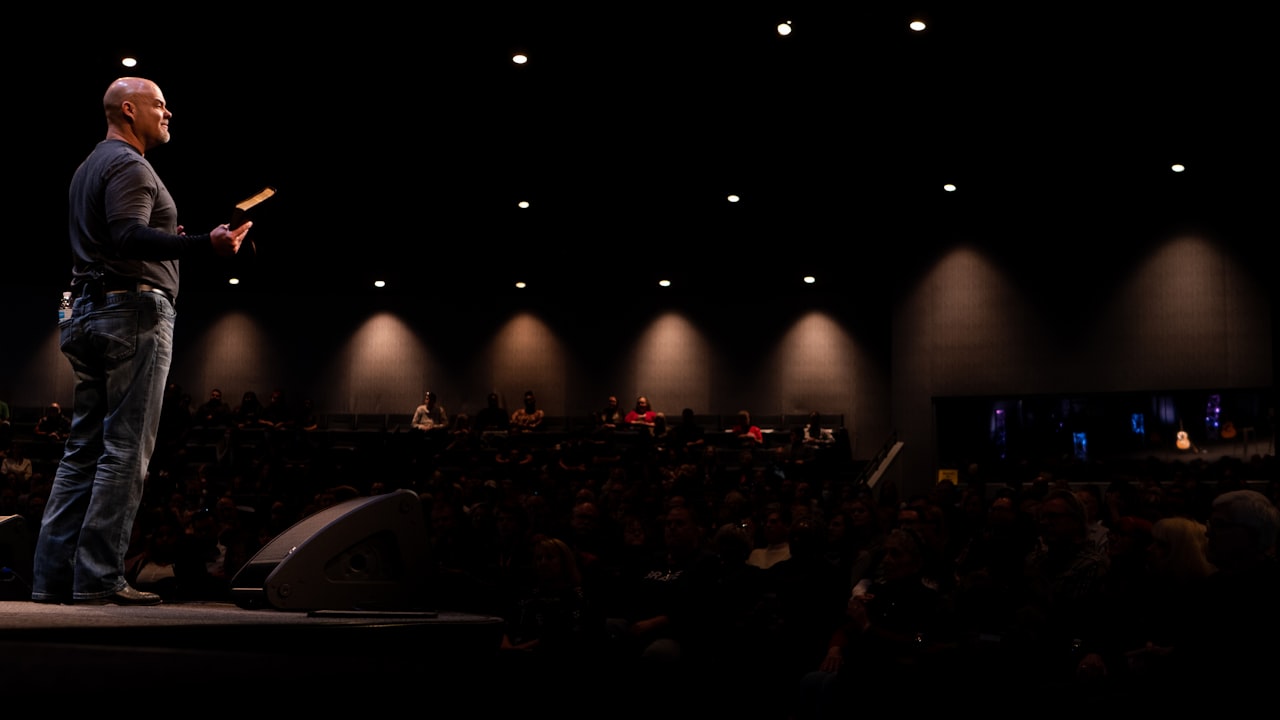






Want a real side-by-side pilot?
We can help you compare multilingual outcomes with your actual speakers, audience profile, and recurring program format before rollout.