
InterScribe vs Zoom for multilingual delivery
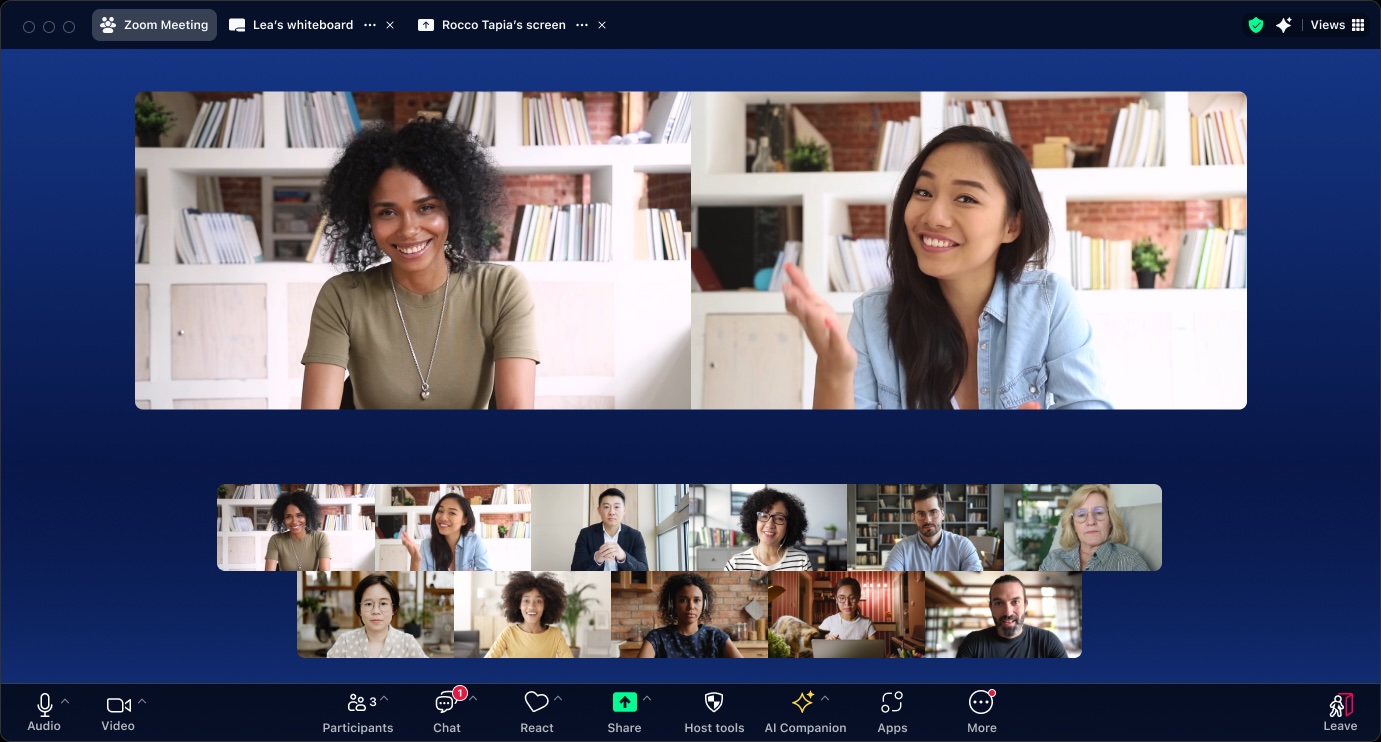
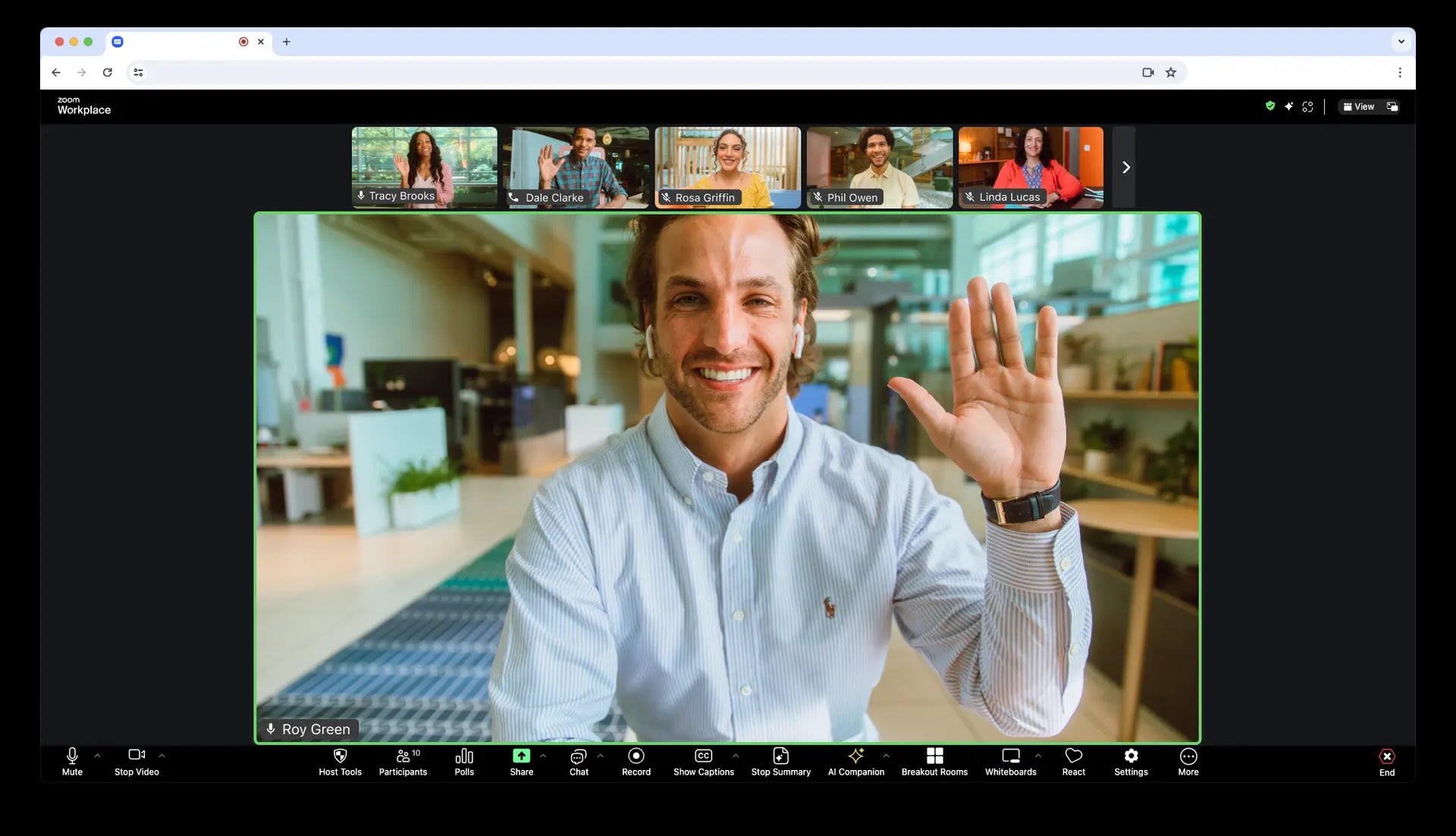
Zoom is excellent for collaboration meetings. InterScribe is designed for multilingual event operations, attendee language choice, and reusable content outputs.
Operational differences that affect outcomes
| Category | Zoom | InterScribe | Practical takeaway |
|---|---|---|---|
| Primary focus | General video meetings and team collaboration | Purpose-built multilingual events and interpretation workflows | InterScribe for event-first multilingual operations |
| Language delivery | Interpretation/caption options vary by plan, setup, and workflow | Broad language support with event-ready language selection | InterScribe for broader multilingual event support |
| Attendee access | Participants often rely on Zoom client workflow | Browser-first access with link or QR entry patterns | InterScribe for lower-friction attendee onboarding |
| Terminology controls | Limited customization for domain vocabulary | Glossary support for names, products, and technical terms | InterScribe for specialized vocabulary-heavy sessions |
| Post-event outputs | Recording-centric workflow with variable multilingual output options | Transcript and export-focused workflows for multilingual follow-up | InterScribe for content reuse and documentation |
| Multi-session operations | Meeting-centric controls; event orchestration can require extra process | Built for recurring sessions and program-style deployment | InterScribe for conference/training program structure |
How multilingual delivery looks in practice
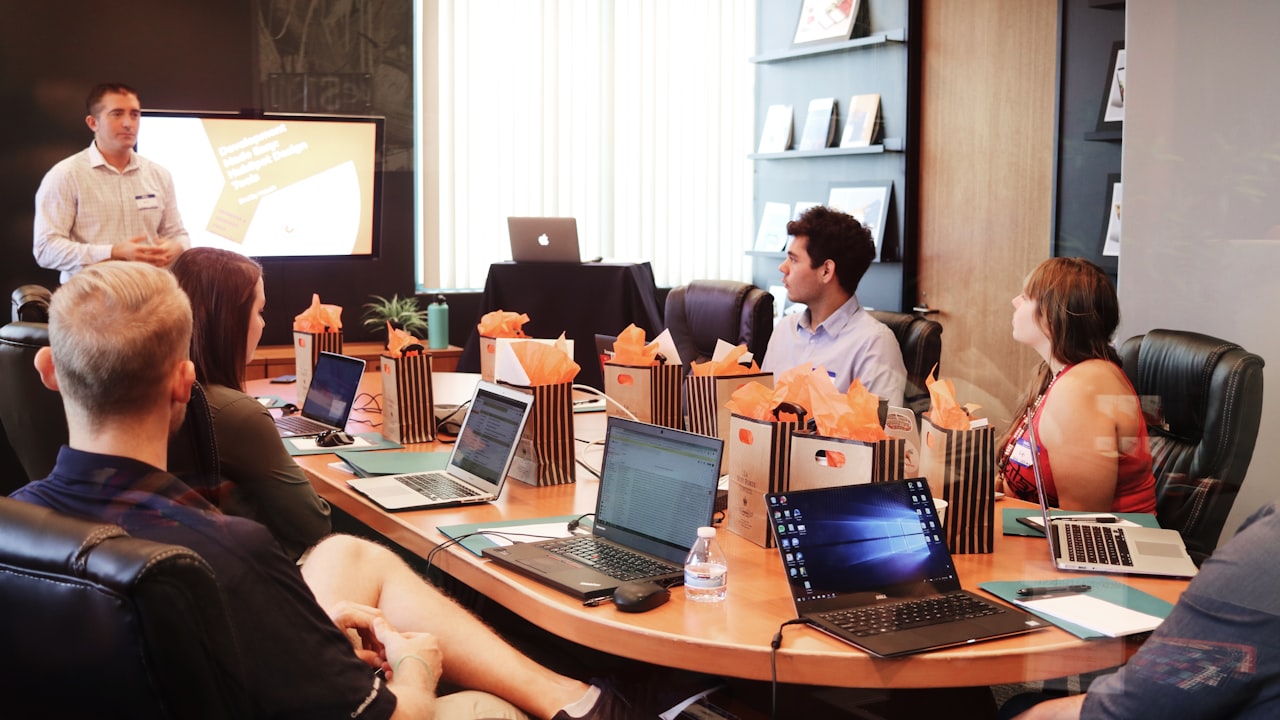
Run multilingual sessions with stable operator workflows and clear attendee language choices.
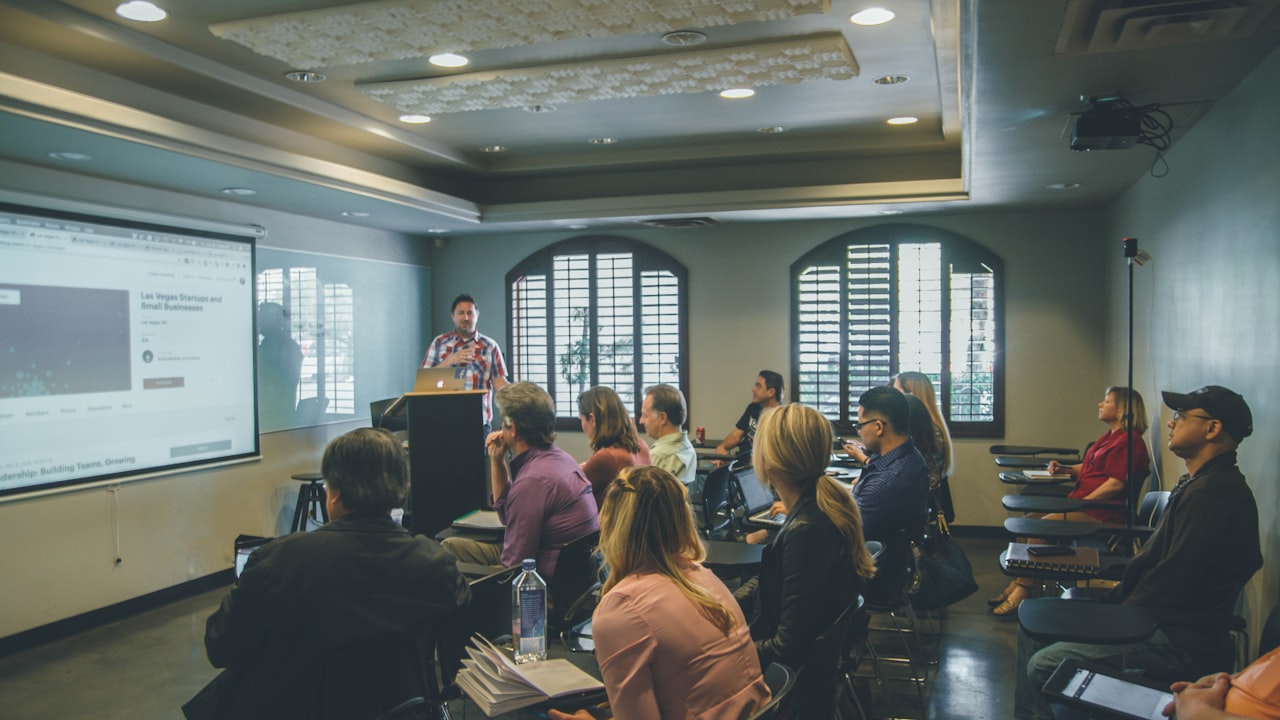
Deliver captions and translated audio for global participants across session formats.
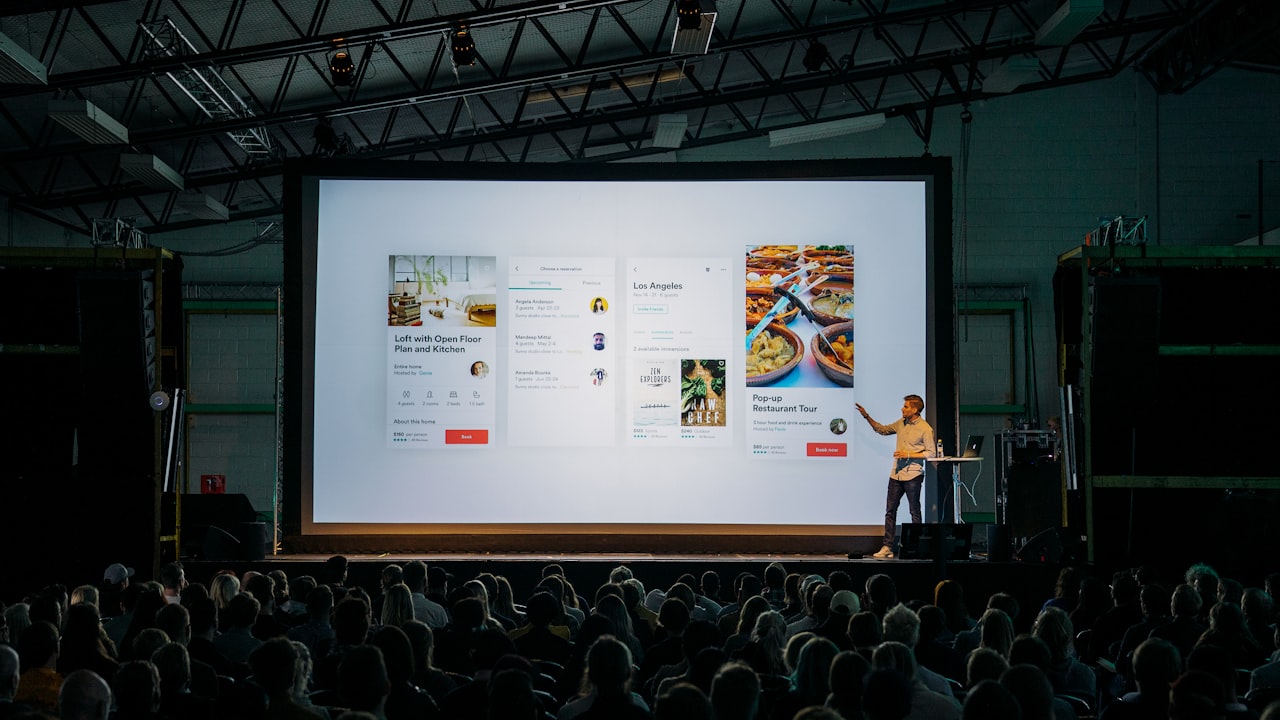
Export transcripts and recap-ready assets for accessibility and reuse.
- Internal team meetings where multilingual depth is not the main requirement.
- Organizations already standardized on Zoom collaboration workflows.
- Smaller operational scope with limited interpretation complexity.
- Scenarios where meeting convenience matters more than event-language orchestration.
- Professional webinars, conferences, and multilingual training programs.
- Audience-facing sessions where no-app access improves participation.
- Programs that require repeatable language workflows across many sessions.
- Teams that need transcript exports and multilingual recap artifacts.
What to evaluate before deciding
Teams usually get better outcomes when they score platforms on operations and attendee impact, not only feature lists.
- Test podium + panel + Q&A audio in the same environment
- Measure comprehension for remote and in-room listeners
- Validate names, acronyms, and branded terms
- Confirm update process for glossary changes across programs
- Benchmark link and QR entry from phone and laptop
- Track drop-off between invite and first minute of session
- Confirm retention and export requirements per department
- Validate transcript quality for accessibility follow-up
- Time how quickly recap assets can be produced
- Verify multilingual transcript usability for publishing teams
- Run a multi-session pilot instead of one demo
- Compare setup time trend over several weeks
Questions teams ask before switching
It can be for simpler scenarios, but teams running multilingual programs at scale often need event-first language controls, repeatable templates, and post-event outputs.
Yes. Many organizations keep Zoom for meeting operations and use InterScribe as the multilingual interpretation and accessibility layer for key sessions.
Recurring education and training programs usually benefit from structured language templates, transcript exports, and repeatable event workflows.
Run a pilot with your actual speakers, audio environment, and terminology. Compare attendee experience, operations overhead, and output quality after each session.
- Define success metrics: comprehension, attendance, and operations time.
- Select 2 to 3 representative session types (lecture, panel, training, Q&A).
- Test actual speaker audio paths and room conditions, not ideal lab audio.
- Include at least one technical vocabulary-heavy session.
- Collect attendee feedback per language channel after each run.
- Document outputs required by accessibility, operations, and content teams.
Use InterScribe across programs, formats, and industries
Explore detailed deployment pages by use case, from classrooms and churches to global training and public events.




Want a side-by-side pilot using your own sessions?
We can map your languages, event formats, and rollout constraints so you can compare outcomes with real stakeholders before committing.